Read Watts, Kilowatts, and Horsepower in One Column Before a Motor Spec Goes Wrong
Use a power-conversion problem workflow when several equipment sheets look comparable, but the values only seem to match because the unit labels drift between watts, kilowatts, and horsepower.
Open Power Converter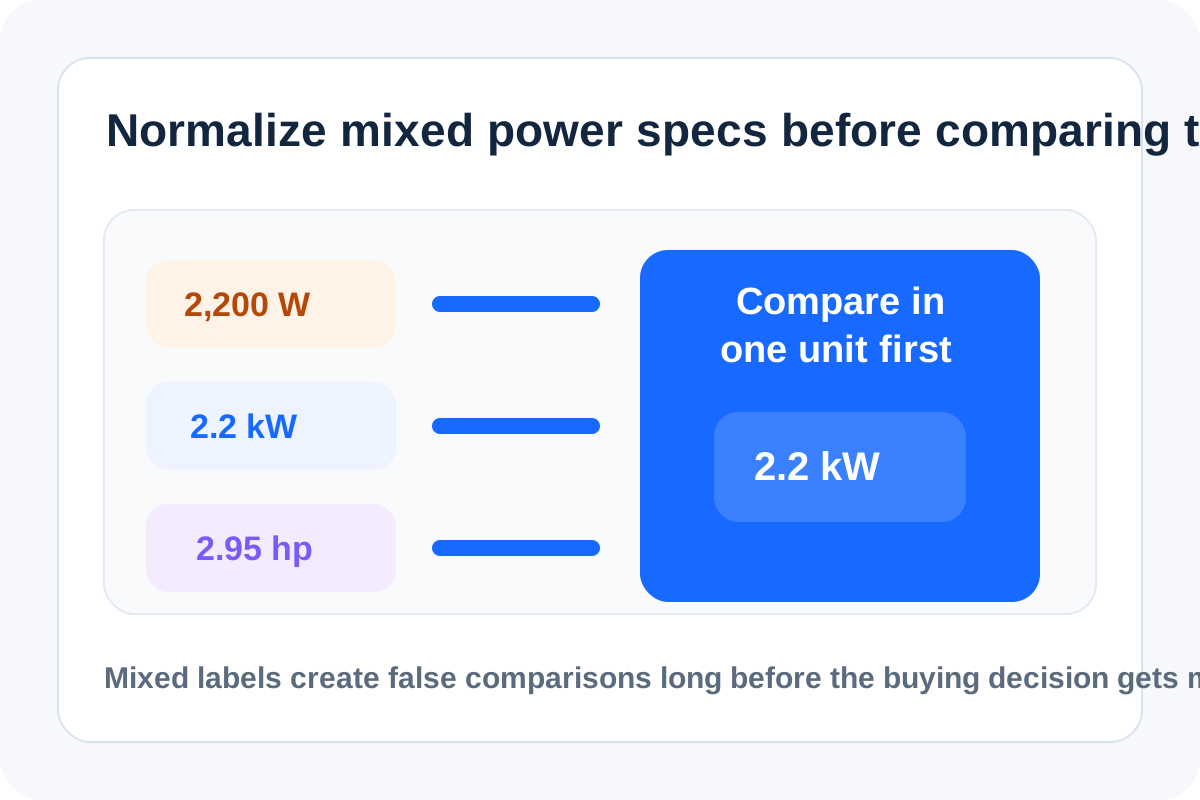
Power specs love to pretend they are comparable before you normalize them. One sheet lists 2.2 kW, another says 3 hp, a charger brochure uses watts, and someone in the meeting starts comparing the numbers as if they already share a unit. The bad decision rarely comes from math difficulty. It comes from putting unlike labels into one column and trusting the visual similarity.
Where this problem shows up
- Comparing motor or pump options from different vendors.
- Reading charger, heater, or compressor specs where small and large units are mixed.
- Checking whether one generator or inverter can support a planned load.
- Copying equipment data into a procurement sheet that should sort or filter on one comparable number.
A cleaner comparison pass
- Pick one target unit for the whole sheet before comparing anything else.
- Convert every source value into that unit rather than converting mentally during the discussion.
- Keep the original unit next to the normalized value so the source specification stays auditable.
- Check whether the sheet is describing continuous power, peak power, or rated motor output before deciding two values are truly comparable.
- Only after the units and labels are aligned should you rank options by size, cost, or fit.
Why the label matters as much as the number
A spec mismatch can survive several reviews because each value looks professionally formatted. The number is not obviously wrong until the load fails, the motor is undersized, or the budget comparison stops making sense. Unit normalization is therefore a decision hygiene step, not an academic conversion exercise.
What to double-check after conversion
Confirm the context around the number: rated output versus peak, electrical input versus mechanical output, and whether the source sheet rounded heavily. Converting the unit is essential, but comparing unlike operating conditions can still create a false match.
Related UtilFlow moves
If the purchasing sheet also mixes pressure or flow-rate units, continue into Pressure Converter or Volume Converter so the full equipment comparison stays coherent. If the final summary needs one digestible visual, move the normalized column into a Bar Chart or Table Generator next.
FAQ
Why is one mixed-unit power column risky?
Because watts, kilowatts, and horsepower can look comparable at a glance even though they are not directly comparable until you normalize them.
What should I normalize to first?
Choose the unit that best fits the decision sheet or audience, then convert every source value into that same target unit.
What else can still make two converted power values misleading?
Peak versus continuous ratings, electrical input versus output, and heavy rounding can still make the numbers seem more comparable than they really are.