Read KB, MB, and GB Correctly Before You Miss an Upload Limit
Use a byte converter when a file-size limit, storage note, or transfer estimate looks simple until kilobytes, megabytes, and gigabytes get mixed up.
Open Byte Converter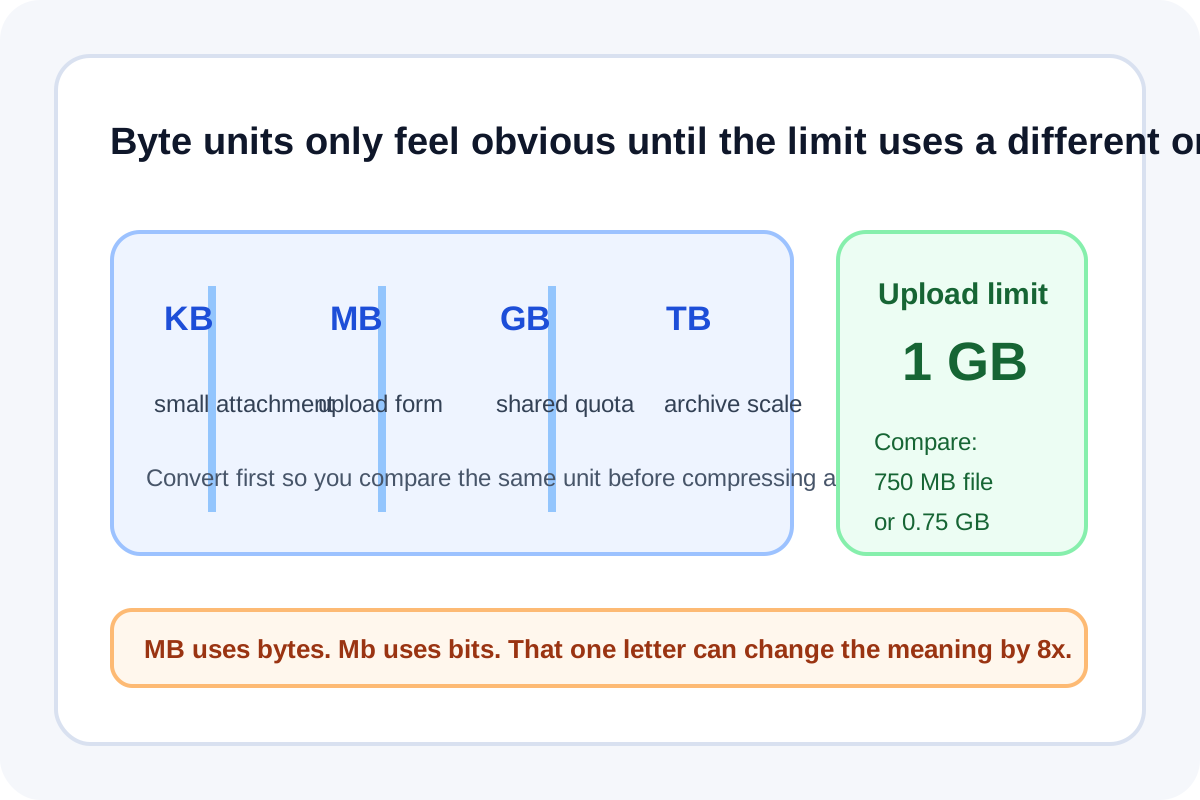
File-size instructions sound easy until the units shift. One tool says MB, a storage note says GB, a network plan mentions bits, and an upload form rejects the file anyway. A byte converter gives you one place to translate the limit before you guess wrong.
Start with the actual question
- Is a 750 MB file small enough for a 1 GB limit?
- How many MB are left in a 5 GB quota?
- Does a transfer note mean megabytes or megabits?
- How large will a batch become after several files are combined?
A simple byte-conversion tutorial
- Write down the value you actually have, such as 850 MB or 2.5 GB.
- Convert it into the unit used by the destination system so the comparison is direct.
- Check whether the limit is about storage size or transfer speed, because bytes and bits are not interchangeable labels.
- Round only after the decision is clear, not before, so you do not hide a borderline case.
Why MB and Mb are not the same
Uppercase B means bytes. Lowercase b means bits. That difference matters whenever a download estimate, broadband note, or export setting switches notation. Confusing the two can make a file or transfer seem eight times larger or smaller than it really is.
Where this helps most
This is useful for upload forms, cloud quotas, archive planning, design handoffs, compressed exports, and any project note where one person describes size in MB while another reports the same workload in GB or bits.
Related UtilFlow moves
After checking the size target, continue into Image Compressor or Compress PDF when the file itself still needs to shrink rather than just be translated into the right unit.
FAQ
How many MB are in one GB?
That depends on whether the system is using decimal or binary-style reporting, which is exactly why checking the destination unit carefully matters.
Why does MB versus Mb matter?
Because bytes and bits measure different things. A lowercase b means bits, and that can change the number by a factor of eight.
When should I convert file size before compressing anything?
Convert first when you are not yet sure whether the file is truly too large or whether the limit is simply written in a different unit.