Read KB, MB, and GB Against the Real Upload Rule Before File Size Math Goes Sideways
Use a byte-conversion technical guide when one size limit sounds simple, but the real confusion lives in decimal versus binary units and in how people rewrite file caps in notes, tickets, and forms.
Open Byte Converter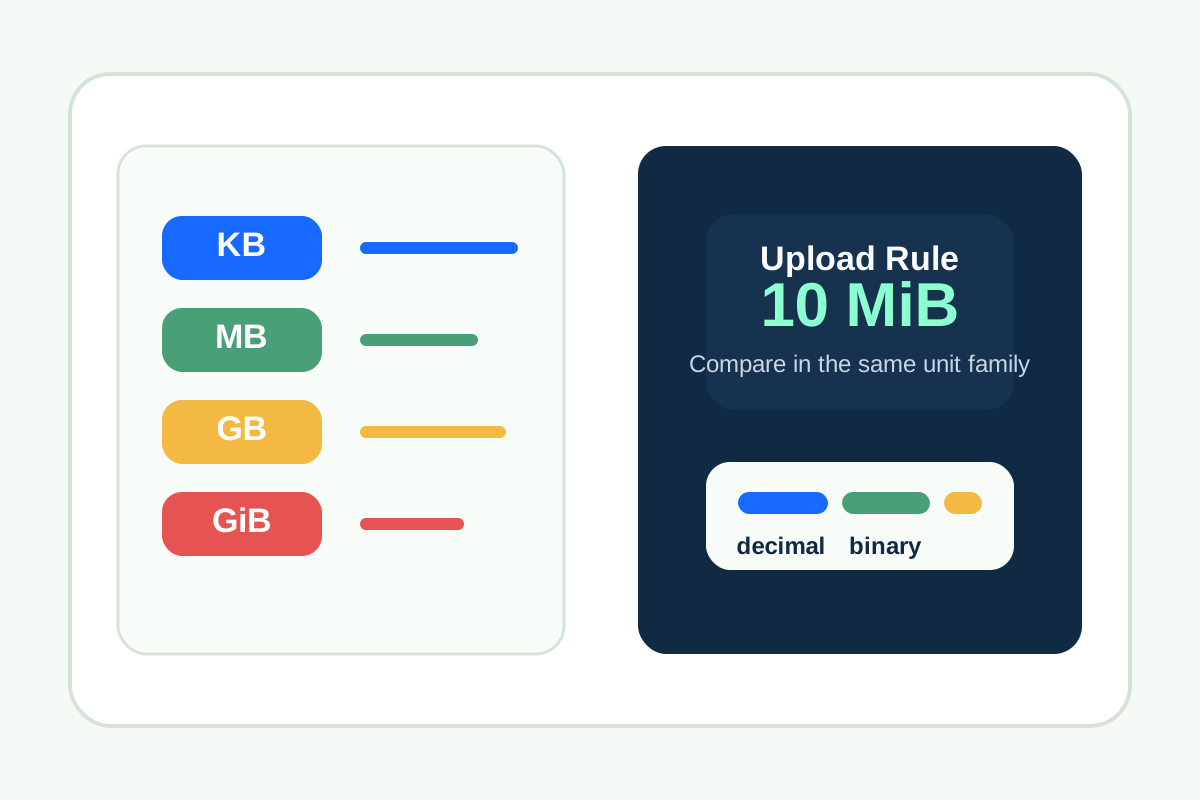
A file-size limit can look obvious right up until someone compares values from systems that are not naming units the same way. One ticket says 10 MB, the storage panel reports MiB, a browser upload error rounds differently, and a team ends up arguing over whether the file is actually over the limit. The technical issue is not only arithmetic. It is unit interpretation.
The technical distinction that causes most confusion
Decimal units such as KB, MB, and GB are often based on powers of 1000. Binary units such as KiB, MiB, and GiB are based on powers of 1024. That difference grows larger as file sizes increase. If two systems are labeling values differently or inconsistently, the numbers can appear to disagree even when both systems are internally correct.
Where this shows up in real work
- Checking whether a file really exceeds a portal or email upload cap.
- Comparing operating-system file sizes with cloud-storage dashboards.
- Rewriting file-size requirements into docs, tickets, or customer instructions.
- Estimating whether compression will be enough before rebuilding an asset or document.
A technical byte-check workflow
- Start from the exact rule the destination uses, including whether it says MB or MiB.
- Convert the source size into the same unit family before deciding whether the file is compliant.
- Keep the original number and label visible in notes so the conversion stays auditable.
- If the destination rounds or truncates, leave a little margin instead of targeting the exact edge.
- Only after the units are aligned should you decide whether to compress, resize, split, or reject the file.
Why this matters technically
File-size troubleshooting often fails because teams compare unlike units while sounding certain. The conversion step restores a common scale. That prevents the next action from being based on a false mismatch, such as recompressing a file that already meets the real limit or shipping one that only looked safe under the wrong unit assumption.
Related UtilFlow moves
If the file is an image, continue into Image Compressor or Image Resizer once the actual size target is clear. If the blocked file is a PDF packet, use Compress PDF only after you know the destination limit in the same unit system you are checking.
FAQ
Why do MB and MiB lead to different file-size results?
Because MB usually uses powers of 1000 while MiB uses powers of 1024, so the same raw byte count converts to different labeled values.
What should I compare first when an upload limit looks wrong?
Compare the source file and the destination rule in the same unit family before making any decision about compliance.
Should I aim exactly at the published limit?
It is safer to leave a little margin because some systems round or report file sizes differently near the threshold.