Normalize Hz, kHz, MHz, GHz, and RPM Before One Sensor Note Becomes Three Scales
Use a frequency converter workflow when one report mixes signal, electronics, and motor values and the only safe way to compare them is to normalize the units before anyone reads meaning into the raw numbers.
Open Frequency Converter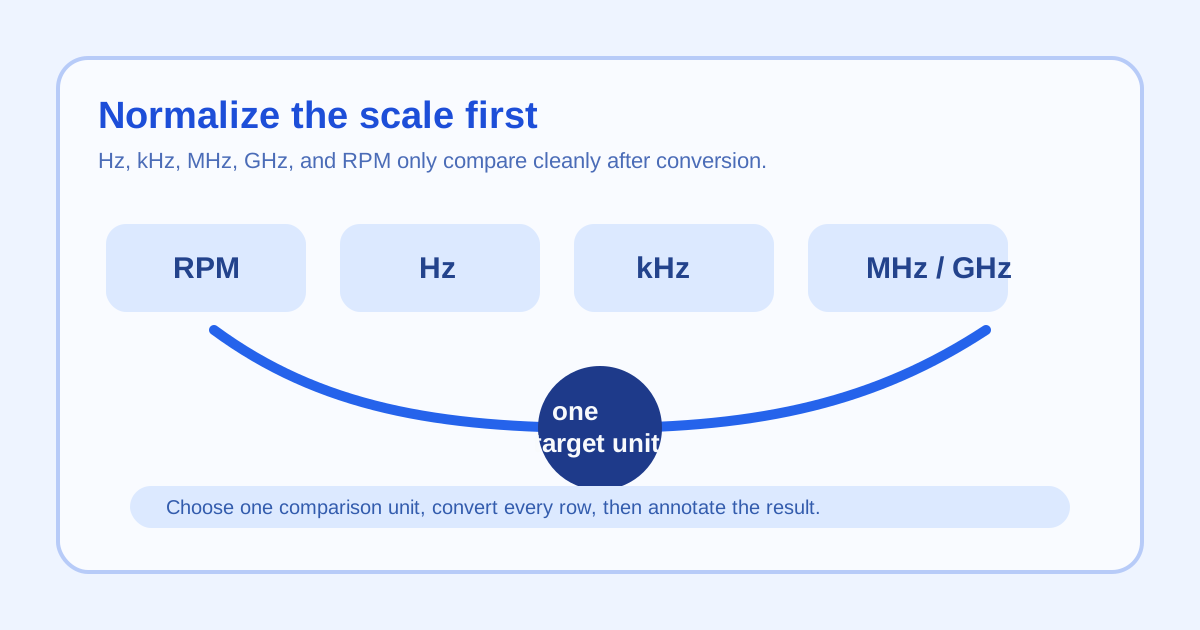
Frequency problems usually arrive as a mixed-unit note rather than as one obvious error. A motor speed comes in as RPM, a controller threshold is written in hertz, and a hardware spec lists megahertz or gigahertz. The numbers look readable individually, but the comparison is meaningless until they share the same scale. That makes frequency conversion a workflow problem, not only a formula problem.
Start by choosing one comparison scale
Pick the destination unit before you compare anything. Hz is usually the cleanest base for fundamentals and sensor rates. MHz or GHz may be clearer for larger electronics specifications. The important move is deciding once so the rest of the note stops drifting between prefixes.
A clean normalization workflow
- Collect the source values with their labels still attached so RPM, Hz, kHz, MHz, and GHz do not get separated from the numbers.
- Choose one target unit for the whole comparison.
- Convert each value into that target unit before discussing whether the values match, differ, or fall out of range.
- If a motor or rotating system is involved, convert RPM through per-second terms so it can be read on the same basis as hertz.
- Only after normalization should you annotate the note, chart, or report with conclusions.
What to check after the conversion pass
- Check that every row now uses the same prefix or time basis.
- Check that copied numbers did not lose decimal places during the rewrite.
- Check that RPM values were treated as rotations per minute rather than as if they were already hertz.
- Check that the final comparison speaks about one consistent scale instead of jumping back to the original labels.
Why this workflow beats mental conversion
Mental conversion is fine for rough intuition, but mixed notes make people compare raw numbers long before they finish the mental math. A visible conversion pass removes that ambiguity and creates one unit language for the whole discussion.
Related UtilFlow moves
If you are comparing power draw or thermal limits next, continue to Power Converter or Temperature Converter so the rest of the specification note stays consistent. If you need to explain the normalized values visually, pair the cleaned numbers with a simple chart after the units are settled.
FAQ
Why choose one destination unit before comparing frequency values?
Because the main mistake is comparing raw numbers from different prefixes or time bases as if they already describe the same scale.
When should RPM be converted to hertz?
Convert RPM to hertz whenever you need to compare a rotating system with any other cycles-per-second value on the same basis.
What is the biggest workflow risk here?
The biggest risk is letting copied notes mix Hz, kHz, MHz, GHz, and RPM in one table without one explicit normalization step first.