Keep Crops Consistent by Checking Aspect Ratio Before You Resize or Export
Use an aspect ratio calculator to understand image shape before you resize, crop, or hand off visuals that need to fit multiple slots without accidental distortion.
Open Aspect Ratio Calculator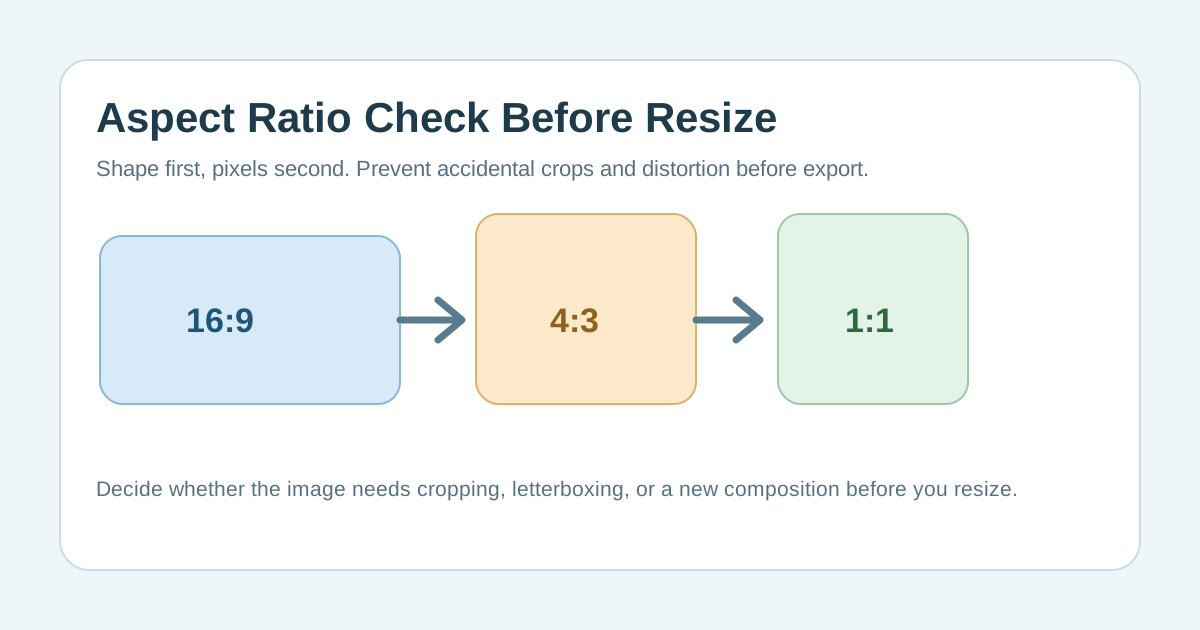
Many resize mistakes are really shape mistakes. A visual may be large enough in pixels and still fail because the destination expects a different frame. If you check aspect ratio first, you can predict whether the image will need cropping, letterboxing, or a redesigned composition before you waste time resizing the wrong dimension.
What aspect ratio actually tells you
Aspect ratio describes proportion, not file weight. It answers whether the image is wide, tall, square, or somewhere in between, and whether that shape matches the slot where the image is going next.
Why resizing alone can create bad results
- A mismatched shape can force automatic cropping in social, CMS, or marketplace slots.
- Stretching one dimension breaks the image even when the file technically fits.
- A wide screenshot may look acceptable at full size but lose the important content when forced into a portrait frame.
- Repeated exports drift out of consistency when each person guesses the target dimensions separately.
A practical technical workflow
- Check the current image shape before you choose new dimensions.
- Match the target slot to an explicit ratio such as 16:9, 4:3, 1:1, or another known frame.
- Calculate the new dimensions while preserving the ratio, then decide whether the content still fits inside that frame.
- If the framing fails, crop intentionally or rebuild the composition instead of stretching the image.
Why this matters in multi-output publishing
The same asset often feeds a slide, a thumbnail, a document, and a post preview. When everyone starts from ratio math instead of visual guesswork, the outputs stay more consistent and the next resize step becomes routine instead of experimental.
FAQ
What is the difference between image size and aspect ratio?
Image size is the pixel width and height, while aspect ratio is the proportional relationship between those dimensions.
Why check aspect ratio before resizing?
Because the right pixel count can still produce the wrong crop or frame if the shape does not match the destination.
When should I crop instead of resize?
Crop when the image shape must change to fit the target frame and the important content can still be preserved intentionally.