Combine Phone Photos Into One PDF Before an Expense Upload
Turn separate receipt or document photos into one cleaner PDF so reimbursement, claims, and form uploads do not fail on scattered image files.
Open Images to PDF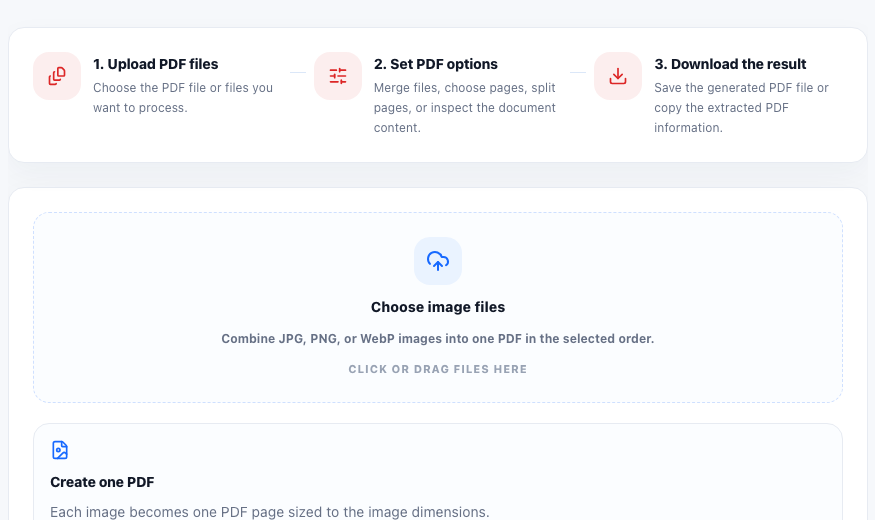
A reimbursement portal or application form often asks for one PDF, but the source material lives as several phone photos. You may have a receipt, a parking stub, a signed page, and a confirmation screenshot. Uploading them one by one creates confusion, and some systems will not accept a stack of separate images at all.
Why separate images create avoidable friction
Photos taken at different times usually vary in crop, orientation, and file size. Even when each photo is readable on its own, the handoff becomes messy because reviewers have to open multiple files and reconstruct the packet mentally.
A better single-file workflow
- Select the receipt or document photos in the order the reviewer should read them.
- Preview the images first and remove any duplicate, blurry, or accidental shots before conversion.
- Combine the selected images into one PDF so the final packet matches the upload requirement.
- Open the exported PDF and confirm the page order, orientation, and readability on each page.
- If some images are oversized for another workflow, use stitching or compression separately instead of forcing every problem into the PDF step.
When image order matters more than image count
The reviewer usually needs the evidence in a logical sequence, such as itemized receipt first, payment confirmation second, and approval note third. Getting that order right prevents back-and-forth later, even if the file technically uploaded on the first try.
The final check that saves resubmission
Always open the finished PDF before submitting it. A single combined file is only better if every page is upright, readable, and in the exact order the next person expects.
FAQ
Why combine photos into one PDF instead of uploading separate images?
Many portals expect one supporting document, and one ordered PDF is easier for reviewers to read than several unrelated image files.
What should I check before creating the PDF?
Check image order, readability, duplicates, and orientation so the exported PDF does not need to be rebuilt immediately.
Should I stitch images together or make a PDF?
Use a PDF when the destination expects document-style pages. Use image stitching when you specifically need one long or wide image for review or sharing.