Fix Phone Photos That Open Sideways Before You Share Proof or Reference Images
Use Image Rotate & Flip when the real problem is not editing for style but correcting orientation before an image becomes evidence, reference, or review material.
Open Rotate and Flip Image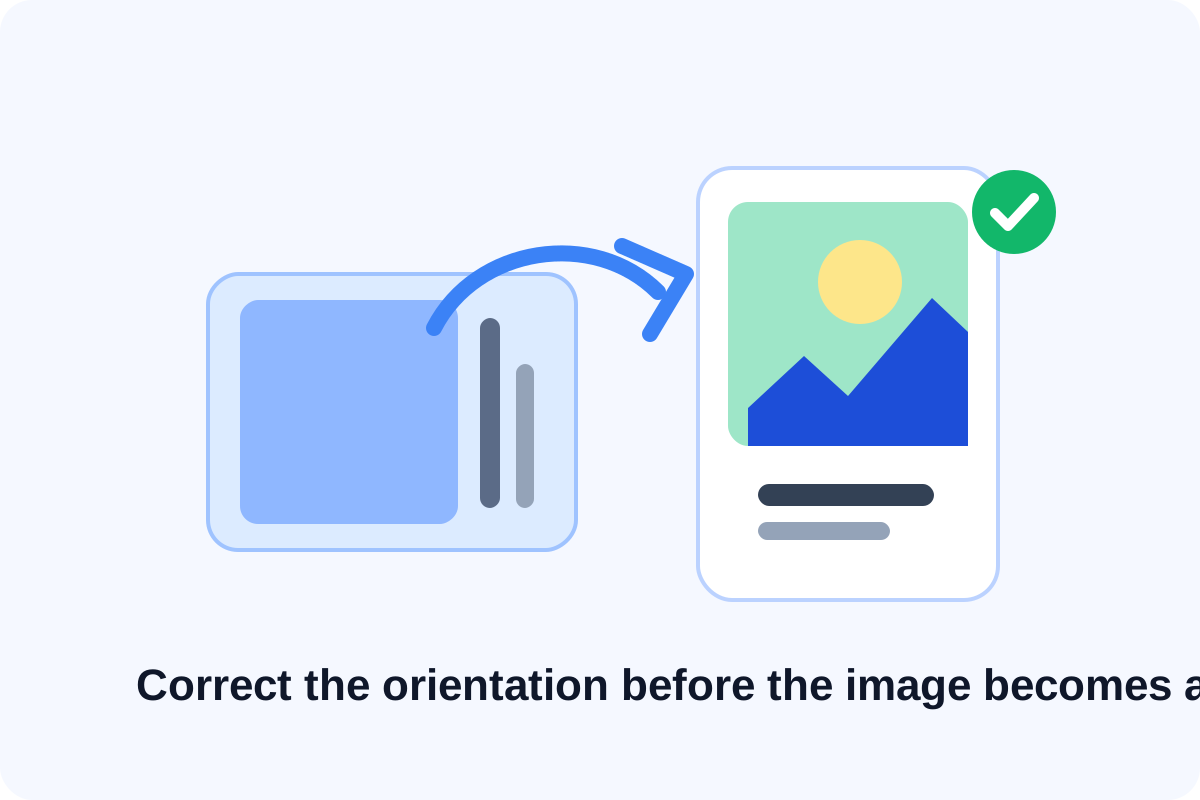
A sideways image looks like a tiny issue until it blocks the real task. Reviewers hesitate, product details become harder to inspect, and evidence photos feel less trustworthy when someone has to tilt their head or re-open the file elsewhere. The useful fix is often simpler than editing the image deeply: correct the orientation first so the handoff stops feeling broken.
The practical problem
This happens with phone photos, exported screenshots, scanned receipts, packaging shots, whiteboard captures, and property or field images. Metadata and viewer behavior do not always agree, so a file that looked fine on one device can open sideways in a ticket, portal, chat app, or document builder.
A clean correction workflow
- Open the image and decide whether the issue is a 90-degree turn, a 180-degree upside-down view, or a mirrored result.
- Rotate first until the content reads naturally, then use flip only when a mirrored image is the actual problem.
- Check text, logos, charts, and human faces after the adjustment because they reveal orientation mistakes quickly.
- Download the corrected version as the shareable copy so the next viewer does not inherit the same confusion.
Why this matters more than it seems
Orientation problems slow down proofing and review because they add doubt. If a receipt, label, part number, screenshot, or scene photo is harder to read than it should be, the reviewer wastes time on the file itself instead of the decision they were supposed to make.
Related UtilFlow moves
If the corrected image is still too large, move next to Image Compressor. If it includes extra margins or irrelevant screen chrome, crop it before the final handoff.
FAQ
When should I rotate versus flip an image?
Rotate when the image is turned the wrong direction. Flip only when left and right are mirrored incorrectly.
What is the fastest way to check whether the image is really correct?
Look at any text, logo, or known object orientation after the change. Those details expose mistakes immediately.
Why not leave the viewer to auto-rotate it?
Because different apps and portals handle orientation metadata differently, so the safer handoff is a corrected file that already opens upright.