Fix a Logo That Turns Into Mush in the Browser Tab Before You Export Favicons
Use a favicon workflow when the browser tab icon is unreadable, low-contrast, or too detailed and the real fix is simplifying the source mark before export.
Open Favicon Generator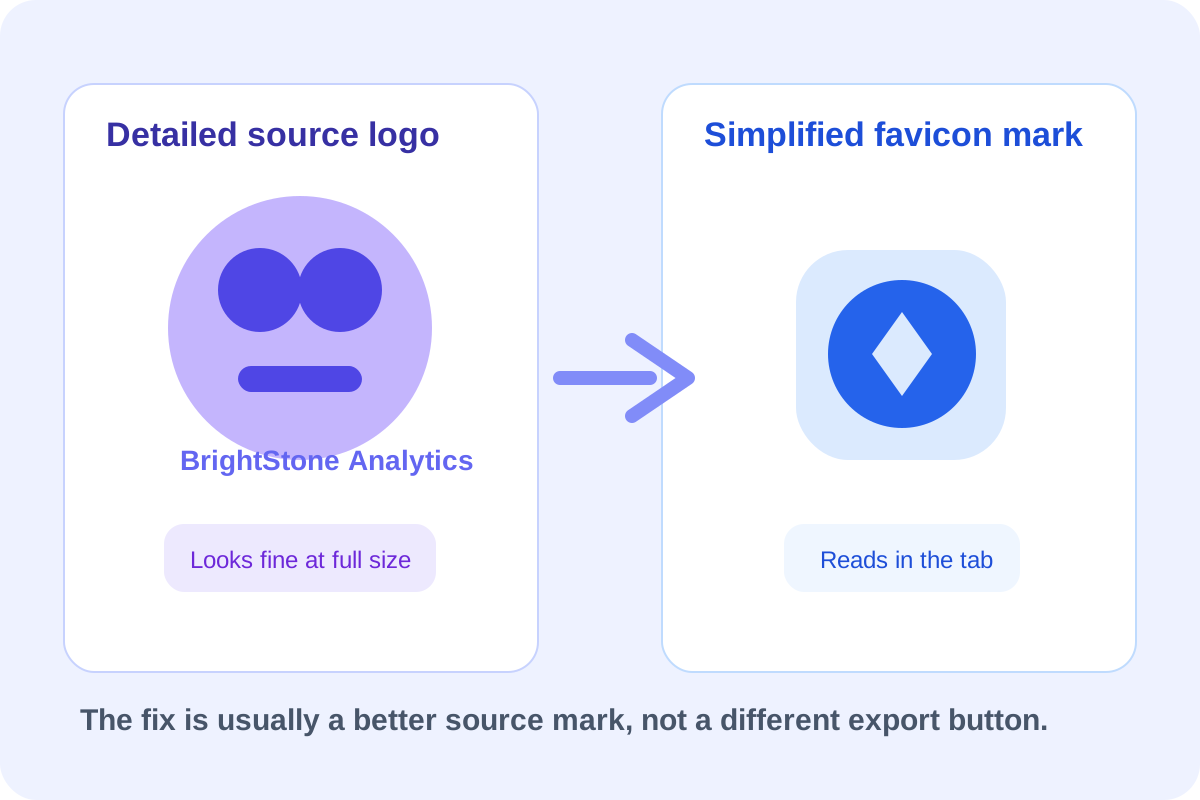
The favicon problem usually starts with the wrong source image, not with the export step. A full logo lockup, tiny wordmark, or low-contrast symbol may look polished at large size and then collapse into an unreadable blur once it becomes a browser-tab icon. The useful fix is to simplify the mark before you generate the icon set.
How to recognize the real source-image problem
- Fine text disappears before the main symbol becomes recognizable.
- Thin outlines blend into the background at tab size.
- The mark depends on negative space that vanishes once scaled down.
- A wide logo leaves too little room for the one shape users should actually recognize.
A recovery workflow for a bad favicon source
- Choose the smallest recognizable symbol from the full brand rather than forcing the entire lockup into the icon.
- Crop or redraw the source so the important shape sits centered with comfortable breathing room.
- Increase contrast if the icon currently relies on subtle color differences that a browser tab will flatten.
- Generate the favicon outputs and inspect them at actual tab size, not only zoomed in.
- Replace the source and regenerate if the first result still reads like noise instead of a deliberate mark.
Why the browser tab is the hardest surface
The tab gives you almost no pixels and almost no patience from the viewer. People read it in peripheral vision while several tabs compete for attention. That is why a favicon should optimize for immediate recognition, not for preserving every brand detail from the larger logo system.
What to keep after the favicon works
Keep the simplified square mark as a reusable asset. It often becomes useful again for pinned tabs, app icons, social avatars, or internal tool surfaces where the full wordmark is too small to survive cleanly.
Related UtilFlow moves
Use Image Cropper if the source mark needs tighter framing first. Use Image Color Picker when you want to inspect whether the foreground and background colors still separate clearly, and use Image Format Converter when the next destination needs a different icon file type for a specific handoff.
FAQ
Why does a full logo often fail as a favicon?
Because the browser tab does not provide enough pixels for small text, thin strokes, or wide compositions to stay recognizable.
What should a good favicon source image emphasize?
It should emphasize one bold, centered, high-contrast shape that still reads immediately at very small size.
Should I judge the favicon zoomed in?
No. The important check is how it looks at real tab size, where recognition speed matters more than decorative detail.