Convert Minutes, Hours, Days, and Weeks in One Pass Before an Estimate Drifts
Use a time converter when the work is not a timezone problem but a planning problem: one note speaks in minutes, another in hours, and the final estimate quietly changes meaning before anyone notices.
Open Time Converter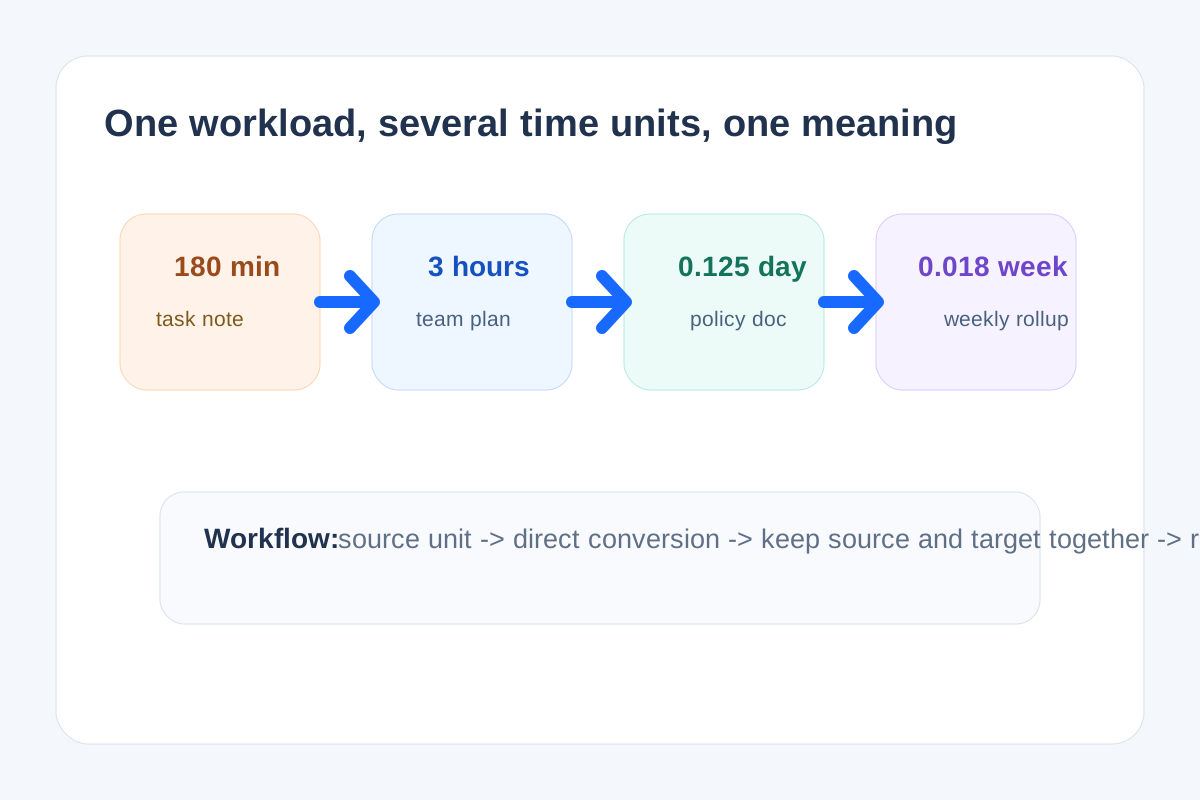
Time confusion often looks harmless because every number still feels familiar. Ninety minutes becomes one and a half hours in one note, then somehow becomes 'about half a day' in the next conversation. A time converter helps when several documents or teammates are describing the same workload, notice period, or study plan at different scales and the meaning starts to drift.
A cleaner workflow
- Start with the source unit exactly as it appears in the note or requirement, whether that is minutes, hours, days, or weeks.
- Convert once into the unit the receiving document actually uses instead of rounding in conversation first.
- Keep the original value visible beside the converted one when another person may need to audit the estimate later.
- Only round after you decide what level of precision the audience needs, because early rounding is where the meaning usually starts to wander.
- Use the converted value immediately in the schedule, estimate, notice, or staffing plan so a second hand calculation does not undo the consistency you just created.
Where this workflow prevents quiet mistakes
- A project estimate moves from task-level minutes into management-level hours or days.
- A legal or operational notice period is described differently across email, form, and policy language.
- A training or study plan needs to roll small daily sessions into a weekly total.
- A service window or SLA note is being summarized for people who do not think in the same unit as the original requirement.
Why one-pass conversion matters
Every intermediate re-interpretation invites another approximation. Going directly from the source unit to the target unit keeps the chain short and makes later verification easier if someone asks where the final number came from.
Related UtilFlow moves
If the real question is date arithmetic such as counting backwards from a notice deadline, move to Date Calculator next. If the converted time then becomes part of a visible plan, pair it with Checklist Maker or Calendar Maker instead of leaving it as an isolated number.
FAQ
When is a time converter better than mental math?
It is better when the number will be reused in a document, estimate, or policy context where small rounding drift can change the interpretation later.
Should I keep the source value after converting?
Yes when another person may need to verify the estimate or trace the final number back to the original requirement.
What usually causes time estimates to drift?
Repeated informal rounding between minutes, hours, days, and weeks is the most common cause.