Convert Millimeters, Inches, and Feet Before One Spec Sheet Spawns Three Wrong Cuts
Use a length converter when the real risk is not arithmetic but mixed units traveling across a drawing, estimate, product sheet, or supplier handoff without a stable source label.
Open Length Converter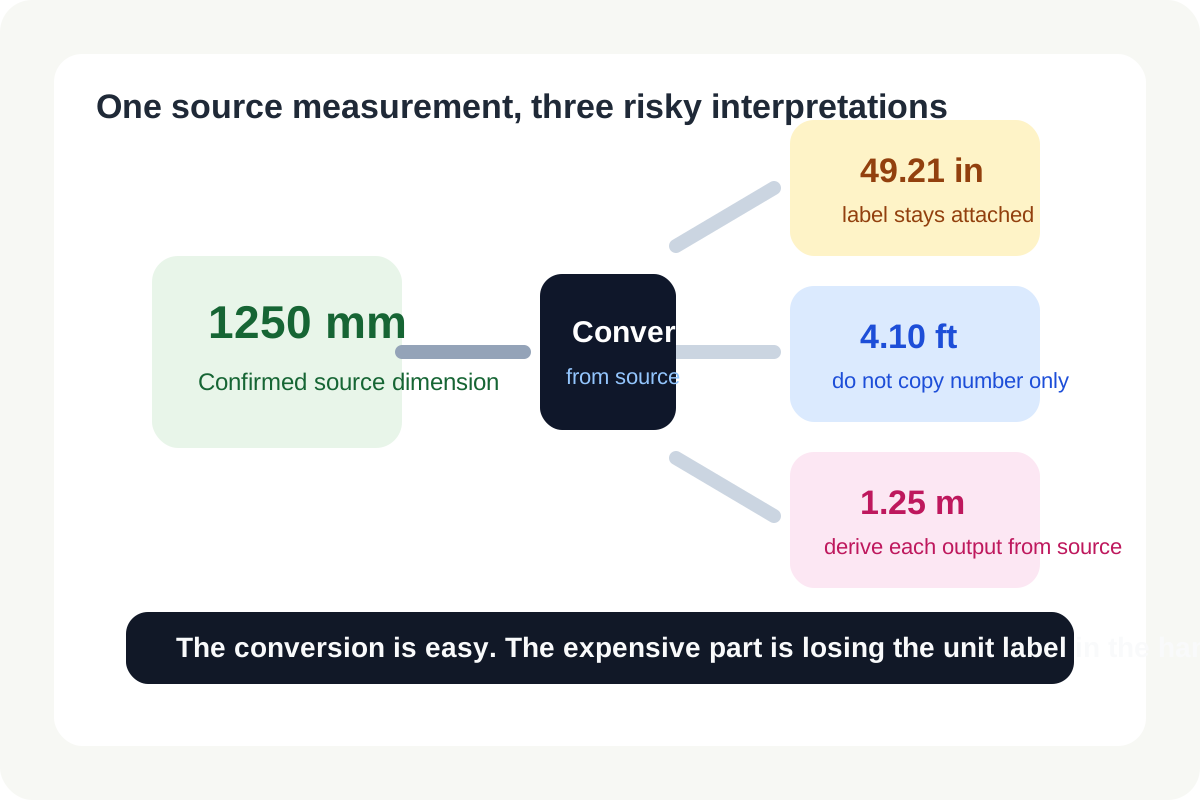
Length mistakes are expensive because they look tiny until they become physical. A drawing uses millimeters, a vendor quote uses inches, a site note uses feet, and a final message copies only the number without the unit. By the time someone notices, material has been cut, packaging has been ordered, or a layout has been placed into the wrong slot. The math is easy. The handoff discipline is the hard part.
Where unit drift usually starts
- A source document labels one measurement system clearly, but a later spreadsheet or chat message copies only the number.
- A team mixes product, construction, and shipping references that each default to different units.
- One person rounds early in inches while another expects the value to stay exact in millimeters until the final output.
- A revision changes the source drawing, but not every downstream conversion note or purchase line item.
A safer conversion workflow
- Start from the original dimension with its unit label still attached.
- Convert only from the confirmed source unit into the destination unit required by the next person, vendor, or document.
- Write the converted value back together with its destination unit instead of sending the number alone.
- If several destinations need different units, create each conversion from the same source value rather than converting a converted value again.
- Before sharing, compare the converted number against a rough real-world sense check so a decimal-place mistake does not survive into production.
Why labels matter more than the calculator
Most conversion errors are communication errors. Once the unit label goes missing, even a correct calculator cannot rescue the workflow. Keeping the source unit visible, converting once from that source, and labeling the result clearly does more to prevent bad cuts than doing the math faster.
Related UtilFlow moves
If the problem is surface size rather than one dimension, move to Area Converter next. If you are fitting an image or layout into a fixed slot, Aspect Ratio Calculator is often the better companion tool because proportions matter as much as absolute length.
FAQ
What is the safest way to convert mixed length units?
Convert every destination from the same confirmed source value and keep both the source and destination unit labels visible in the handoff.
Why do length mistakes happen so often?
Because numbers get copied without units, rounded too early, or converted from already-converted values instead of from the original source measurement.
Should I keep the original unit in my notes?
Yes. Keeping the original unit alongside the converted result makes later checks and revisions much safer.