Convert Cups, mL, and Liters Without Mixing Up the Container Plan
Use a technical volume-conversion guide when recipe, batching, fill-volume, or supply plans move across cups, milliliters, liters, and gallons faster than the labels keep up.
Open Volume Converter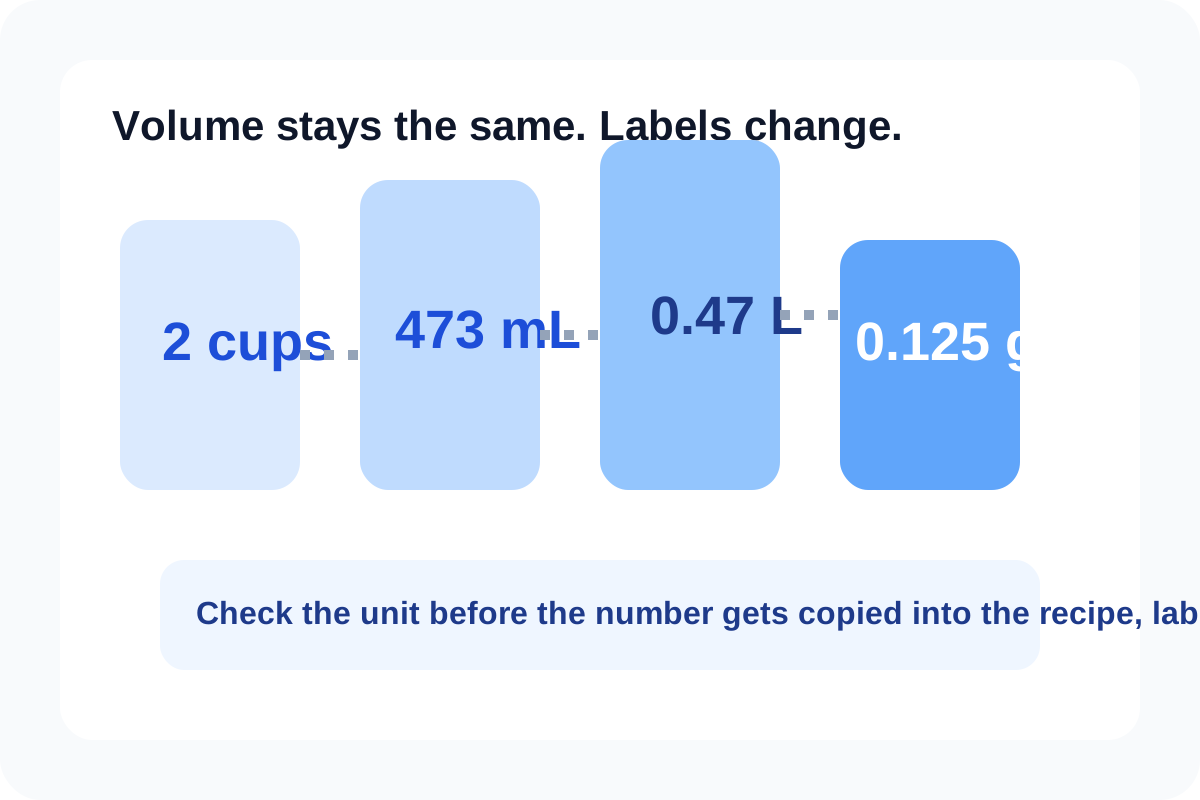
Volume conversion looks simple until the number leaves the calculator and enters a container plan. A recipe card may use cups, a packaging note may use milliliters, and a supply order may jump to liters or gallons. The technical issue is not only the math. It is keeping the converted value attached to the right unit system when that value starts driving a real container or batch decision.
Why volume mistakes travel so easily
Volume units often sit beside weights, percentages, or approximate kitchen language. That means a copied number can survive several steps before anyone notices the unit label changed. The converter helps because it normalizes one dimension of the problem: the capacity itself.
What the converter is actually doing
- It keeps one physical volume constant while showing that amount in another unit system.
- It lets you compare small precision units such as milliliters with larger planning units such as liters or gallons.
- It separates the unit math from the later operational decisions about rounding, labeling, and container availability.
- It gives the team one explicit source-to-target mapping instead of repeated mental estimates.
Where the technical check matters most
- Scaling beverage, cleaning, or ingredient batches into different vessel sizes.
- Checking whether several smaller units really add up to one larger purchase or storage unit.
- Translating a recipe or operating note from cups into milliliters for repeatable production.
- Verifying fill targets when one system speaks liters and another labels containers in ounces, cups, or gallons.
What conversion does not solve
It does not resolve density, evaporation, headspace, or packaging tolerance. Those are separate physical or operational questions. The converter only ensures the capacity comparison starts from the same volume expressed in compatible labels.
Related UtilFlow moves
If the next question is ingredient mass rather than vessel capacity, switch to Weight Converter instead of guessing density. If the process then scales percentages or concentration levels, pair the volume result with Percentage Calculator for the ratio step.
FAQ
Why convert cups to milliliters instead of estimating?
Because the estimate may be good enough once and drift over repeated batching, labeling, or container planning decisions.
Does converting volume answer how full the container should actually be?
No. It normalizes the capacity value, but headspace, safety margin, and packaging tolerance still need separate judgment.
When should I keep more precision in the converted value?
Keep more precision when the result feeds repeatable production, labeling, or purchasing rather than a rough one-time estimate.