Compress Screenshots Before a Ticket Form, Chat Upload, or Doc Packet Stalls
Run a practical image compression workflow so screenshots and reference images stay readable while fitting support forms, internal docs, and slower upload channels.
Open Image Compressor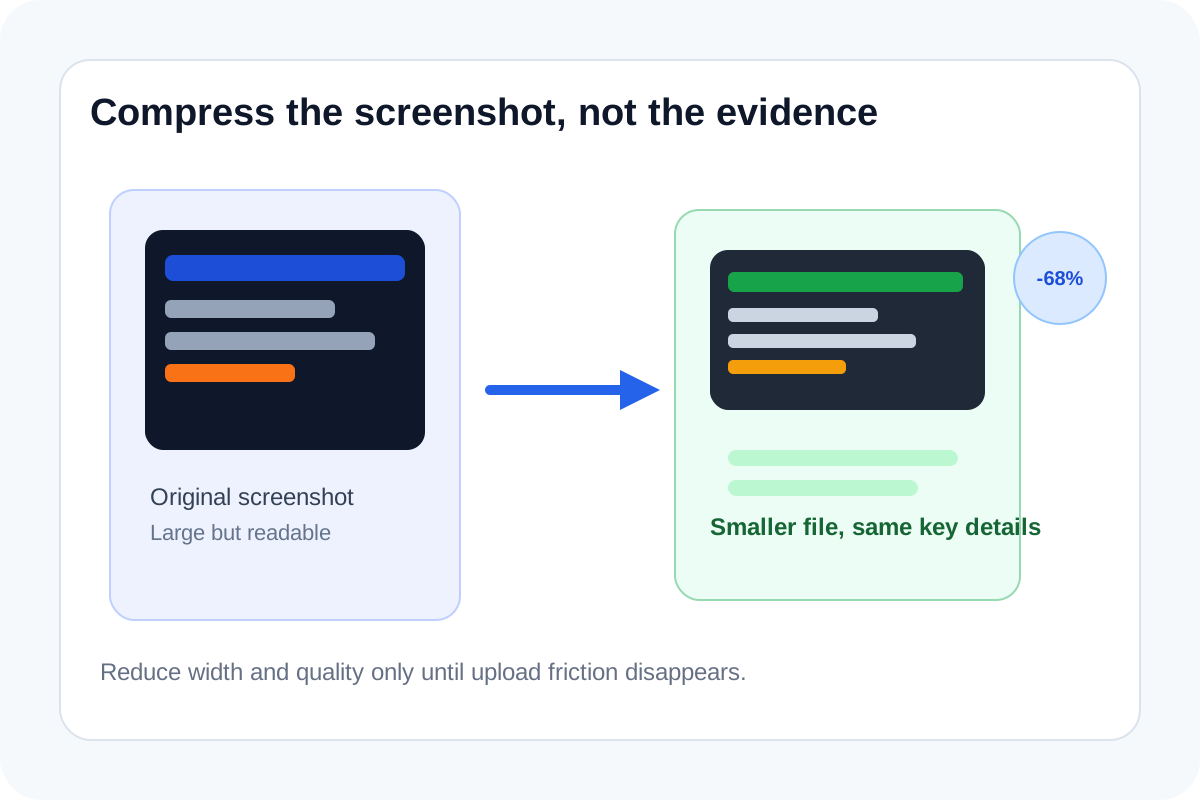
A screenshot can be perfectly clear and still be annoying to share. Support portals reject it, chat uploads lag, a documentation packet becomes heavier than necessary, or multiple screenshots turn one simple handoff into a large attachment pile. Compression helps when the image should remain the same evidence, just in a lighter file.
A practical workflow
- Upload the screenshot or reference image and preview it before changing anything.
- Reduce width first if the original image is much larger than anyone will actually view.
- Adjust quality gradually and keep checking the preview around small text, error messages, labels, or measurements.
- Download the smaller file only after the key evidence stays readable at normal viewing size.
- If you are sending several screenshots together, compress them individually before packaging them into a larger document workflow.
When to stop
Stop as soon as the file is small enough for the destination. Over-compressing a screenshot just to save a little more space usually destroys the exact text and edge detail that made the image worth sending in the first place.
What to check after compression
- Small interface text is still readable.
- Arrows, highlights, or cropped regions are still obvious.
- The destination now accepts the file without another size complaint.
- The image does not look muddy when someone opens it at the size they will actually inspect.
Where this helps most
This workflow is useful for bug reports, internal runbooks, invoice backup, lightweight project updates, and chat-based approvals where the image is only evidence for the next decision and does not need full-resolution archival quality.
Related UtilFlow moves
If the screenshot includes too much surrounding chrome, crop it before compressing. If several images need to become one packet, continue into Images to PDF after each file is light enough.
FAQ
Should I compress or resize a screenshot first?
Resize first when the dimensions are obviously larger than needed. Then use compression to cut more weight while protecting readability.
What part of the screenshot should I inspect after compressing it?
Inspect the smallest text, thin lines, and highlighted evidence because those details usually degrade first.
When is image compression better than making a PDF first?
It is better when the main issue is one or a few heavy images and you want to keep the sharing step simple before packaging anything else.