Add a Visible Watermark Before Sharing Review Images or Client Proofs
Use a practical image watermark workflow when screenshots, design proofs, or draft exports should be reviewed but not reused as final assets.
Open Add Watermark to Image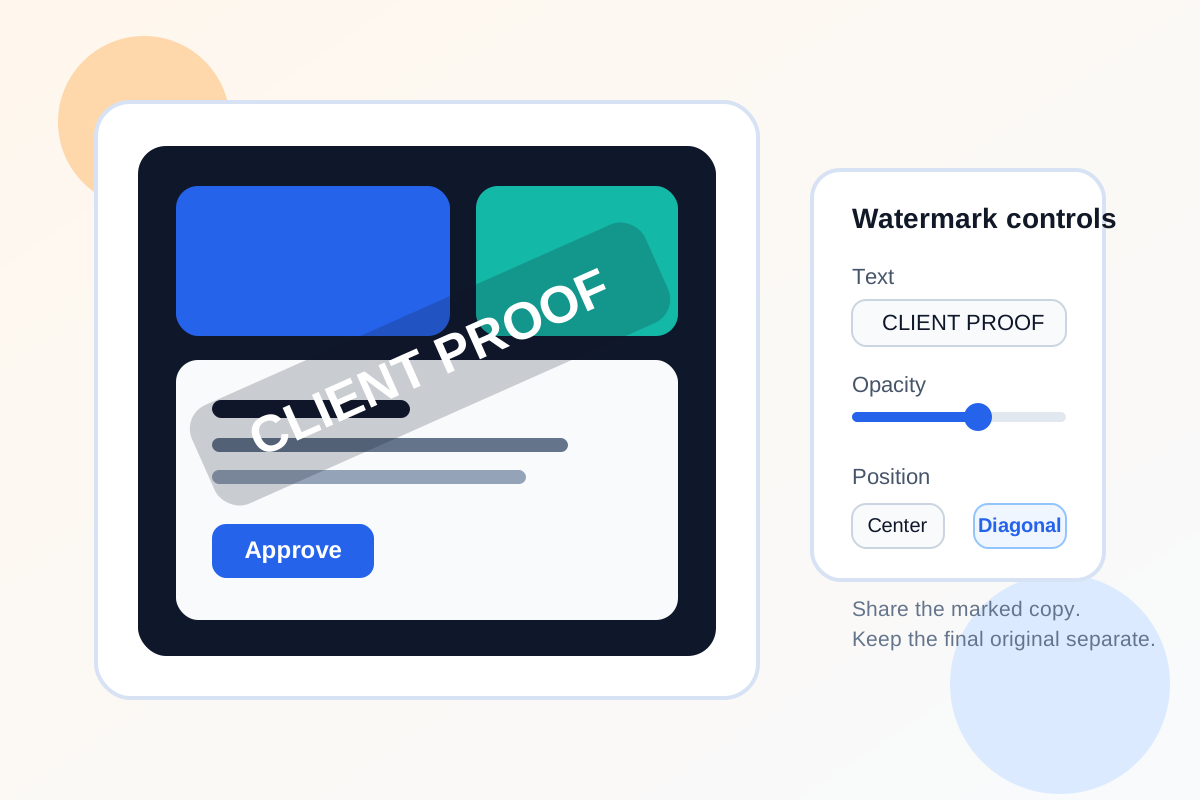
Review images often travel farther than expected. A draft mockup can end up in a shared drive, a pricing screenshot can be forwarded outside the intended thread, or a product image proof can be mistaken for a final deliverable. A visible watermark does not solve every rights problem, but it creates a clear signal that the image is for review, approval, or internal use.
A practical watermark workflow
- Upload the screenshot, proof, or draft image that needs a visible status mark.
- Use short watermark text such as Draft, Review Copy, Internal Use, or Client Proof rather than a long sentence.
- Place the mark where it stays visible even if the image is cropped lightly in chat or email previews.
- Lower the opacity enough to keep the image readable, but not so low that the watermark disappears on bright sections.
- Download the watermarked version as the shareable copy and keep the unmarked original separate.
When this helps most
This is especially useful for client proofs, contractor review assets, internal screenshots, pricing visuals, draft campaign images, and pre-release product graphics. The goal is to preserve clarity while preventing the most common kind of accidental reuse: someone assumes the file is final because nothing in the image says otherwise.
What to check before you send it
- The watermark is still visible on light and dark areas.
- Important labels or measurements are not covered by the mark.
- The wording reflects the real status of the image.
- The file name also signals draft or review status for anyone who downloads it later.
Related UtilFlow moves
If the image is oversized, use Image Compressor before sharing it. If the layout includes unrelated chrome or notes, crop it first so the watermark sits only on the content that should be reviewed.
FAQ
What watermark text works best for proofs?
Short labels like Draft, Review Copy, Internal, or Client Proof usually work better than long legal phrases because they stay readable at smaller sizes.
Should I watermark the final delivered file too?
Usually no. Most teams keep an unmarked final asset and watermark only the versions meant for review or limited circulation.
Where should the watermark go?
Place it where it remains visible after light cropping and where it does not cover the specific detail the reviewer needs to inspect.