Why Some QR Codes Look Fine but Fail the Scan at the Door
Understand the technical reasons a QR code can look acceptable on screen yet fail in print, glare, distance, or low-contrast conditions when people actually try to scan it.
Open QR Code Generator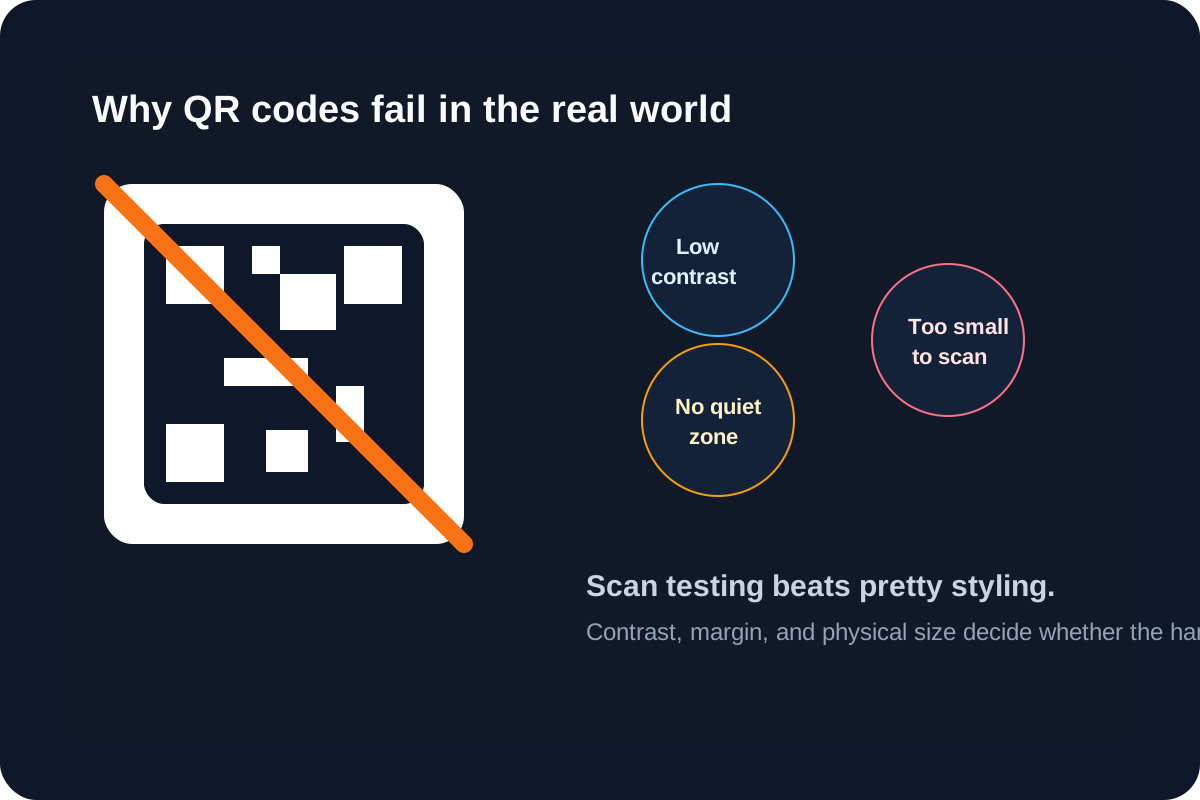
A QR code can look perfectly reasonable in a design file and still fail when someone tries to scan it from a printed sign, event badge, or counter display. The failure usually is not mysterious. It is a technical mismatch between the code pattern and the real scanning conditions: distance, glare, low contrast, cramped margins, or an overstyled graphic treatment.
Three technical conditions that matter most
- Contrast: the camera must separate the dark modules from the light background quickly.
- Quiet zone: the blank margin around the code helps the scanner detect the boundary cleanly.
- Physical size: the code must be large enough for the expected scanning distance and camera quality.
Why customization is where failures start
Color changes, logos, patterned backgrounds, and aggressive resizing often damage scan reliability even when the code still looks attractive. The useful mental model is that the decorative layer spends some of the scanning tolerance. If too much tolerance is spent, the first weak camera or poor lighting condition breaks the handoff.
A technical preflight check
- Generate the code from the exact final URL or text instead of a temporary placeholder.
- Set size and correction deliberately before styling so the base code is stable.
- Keep a clear light background and preserve a visible margin around the full square.
- Test the downloaded PNG on another phone and, if relevant, from a printed sample at the real viewing distance.
- Retest after any resize or layout embedding because the surrounding design can hurt scan reliability even when the raw code worked alone.
What usually goes wrong at the venue or doorway
People scan while walking, holding bags, or standing under uneven lighting. That means your nice-looking code has to survive motion, reflections, and a fast camera autofocus cycle. A code that only scans from a designer's desktop monitor at close range is not technically ready for a public handoff.
Related UtilFlow moves
Use Image Resizer when the QR graphic needs a different placement size for print or slides. Use Hex RGB HSL if you need to check contrast-driven color choices first, and use Images to PDF only after the code has already passed a real scan test in its final visual treatment.
FAQ
What is the quiet zone around a QR code?
It is the blank margin around the code that helps a scanner detect where the QR pattern begins and ends.
Why does a QR code scan on one phone but not another?
Different cameras, autofocus speed, glare conditions, and viewing distance can expose weak contrast or sizing that a more forgiving phone still handled.
When should I test a QR code from print instead of only from a screen?
Test from print whenever the real use case is a poster, badge, flyer, counter card, or any other physical surface people will scan in motion.