What JavaScript Minification Removes and What It Cannot Fix
Minify JavaScript when you need a compact snippet for embeds, docs, or quick tests, but do not mistake minification for linting, bundling, or bug fixing.
Open JavaScript Minifier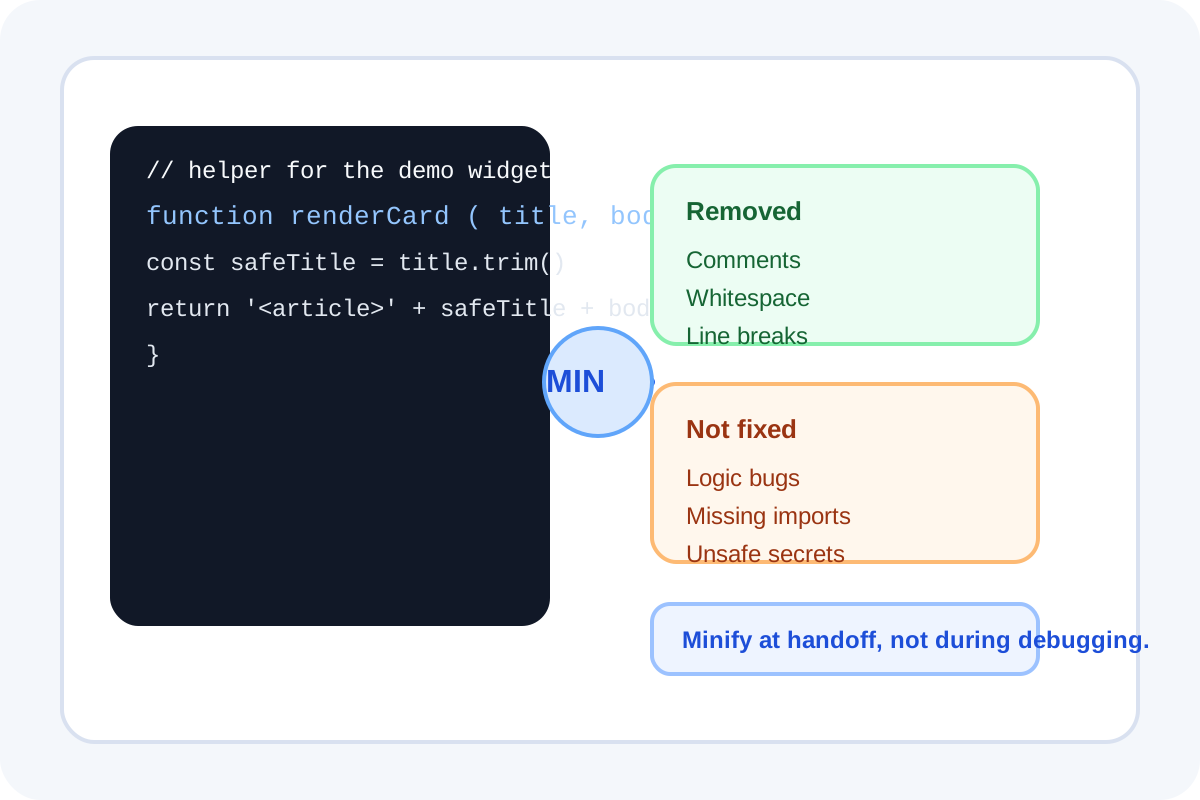
JavaScript minification is a size and formatting operation. It removes comments, line breaks, and unnecessary whitespace so a snippet is smaller to copy, embed, or ship. That is useful, but the boundary matters: minification changes representation, not program meaning.
What minification usually removes
- Comments that are only there for humans.
- Extra spaces and line breaks that make code easier to read.
- Formatting choices such as indentation and blank lines.
- Some optional punctuation or spacing where JavaScript syntax does not need it.
What minification does not fix
- Logic bugs and incorrect conditions.
- Runtime errors caused by missing variables or bad imports.
- Unsafe patterns, secrets, or copied test keys in the snippet.
- Project-level concerns such as tree shaking, bundling, transpilation, or dependency resolution.
When an online minifier is the right tool
It is a good fit for one-off snippets: embed code, demo scripts, handoff examples, CMS injections, support reproductions, and small browser tests where the point is to compact an already-working block of JavaScript without pulling an entire build toolchain into the moment.
A practical technical workflow
- Format or read the snippet first while it is still human-friendly.
- Check that the code already runs as intended before minifying it.
- Minify only the final copy that needs compact output.
- Keep the readable source nearby so the minified block does not become your only version of record.
Why this distinction matters
Teams often lose time when a minified snippet is treated like a debugging artifact. Once spacing and comments disappear, the code becomes harder to inspect. Minify at the handoff point, not at the stage where you still need to reason about behavior.
Related UtilFlow moves
Use JavaScript Formatter before minifying when the snippet arrived as one dense line, or HTML/CSS minifiers when the compact output needs to travel with an embed block rather than a stand-alone script.
FAQ
Does minifying JavaScript make buggy code correct?
No. It only removes unnecessary formatting and comments. Broken logic stays broken after minification.
Should I minify code before or after debugging?
After debugging. Keep the readable version while you are still reasoning about behavior and only minify the copy meant for handoff or embedding.
Is a small online minifier enough for a full production build?
Not by itself. It is useful for snippets, but production applications usually also need bundling, dependency handling, and framework-specific build steps.