What a Text Diff Actually Shows Between Two Versions
Use a text diff to locate exact line changes without confusing formatting noise, invisible characters, and real content edits.
Open Text Diff Checker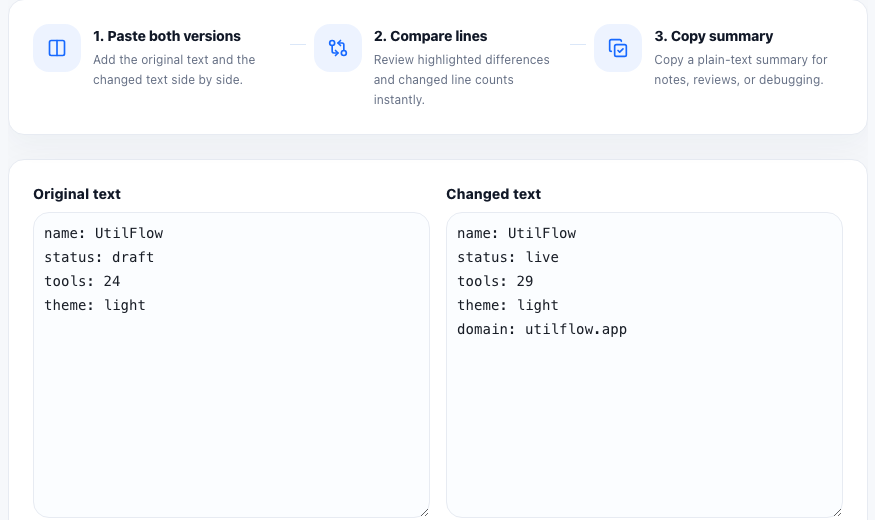
A text diff is a structural comparison, not a semantic review. It tells you which lines were added, removed, or changed between two versions of text. That is useful when a config stopped working, a prompt changed behavior, a copy revision introduced the wrong sentence, or two exported snippets look visually similar but no longer match exactly.
What the diff is really comparing
A simple diff tool compares sequences of characters and lines. It does not know that one variable rename was harmless, that one sentence became clearer, or that two JSON keys mean the same thing in a business context. It only shows where the raw text diverges. That makes it excellent for exact change detection and weak for judgment.
Why small differences create big confusion
- One missing quote or brace can break a config block even when the rest of the file matches.
- A changed newline or trailing space can invalidate a checksum or signature comparison.
- A reordered list can look similar in plain reading but still change how a parser or import step behaves.
- Copied text from chat, email, or docs can introduce punctuation or spacing changes that are hard to spot manually.
What a quick diff cannot tell you
A diff cannot prove that the newer version is correct. It cannot explain whether the change was intentional, whether a renamed field is compatible, or whether the meaning stayed the same. You still need technical context. The tool's job is to narrow the search area so review starts from the changed lines instead of from a vague feeling that something moved.
The practical technical habit
When two versions disagree, compare clean plain text rather than screenshots or rendered previews. That exposes line-level changes, reduces guesswork, and makes it easier to document the exact delta in a bug report, handoff note, or code review comment.
FAQ
Can a text diff show invisible whitespace problems?
It can reveal changed lines that often come from whitespace differences, but you still need to inspect the changed text carefully to see whether spaces or line endings are the cause.
Is a text diff the same as a semantic comparison?
No. It shows raw textual differences, not whether two versions are logically equivalent or acceptable.
When should I use a text diff instead of reading both versions manually?
Use it when the texts are long enough, similar enough, or technical enough that line-level changes are easy to miss by eye.