Turn a Month of Dates Into a Shareable Planning Calendar
Build a simple month view when a team, class, or client needs one lightweight calendar instead of another app invitation.
Open Calendar Maker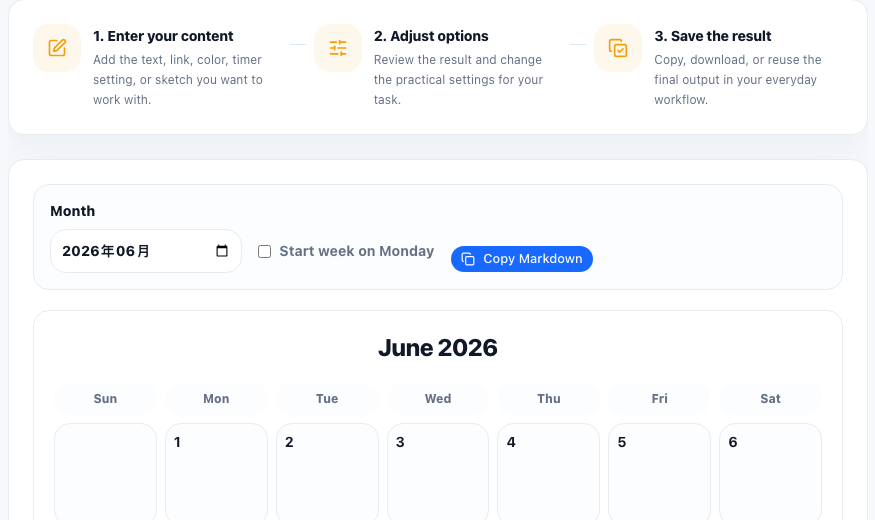
Not every planning task needs shared calendar invites, reminder rules, and user accounts. Sometimes the job is simpler: show the month, mark the important dates, and give everyone the same clean reference. That happens in content planning, study schedules, classroom timelines, travel prep, maintenance windows, and launch checklists that need visibility more than automation.
When a lightweight month view is enough
A quick calendar is useful when the audience only needs the structure of the month. They may add notes in a doc, paste dates into a brief, or print the layout for a wall or meeting packet. The value is clarity, not synchronization.
A practical calendar workflow
- Choose the exact month that the team or project needs to plan around.
- Set whether weeks should begin on Sunday or Monday so the layout matches the audience's habit.
- Preview the calendar before copying it into notes, a brief, or a planning doc.
- Add the milestone dates, publish dates, or study targets in the surrounding document instead of forcing every detail into the calendar grid.
- Share the final month view as the common reference for that planning cycle.
Why this works better than another invitation sometimes
Invites are good for meetings. They are less helpful when people only need a visible month shape for deadlines, sequencing, or editorial pacing. A plain calendar view reduces tool friction and makes it easier to discuss the plan in one place.
What to pair it with next
After the month view is set, teams often turn the key dates into a checklist, task list, or document outline. The calendar gives the time structure; the next tool handles execution detail.
FAQ
When is a simple monthly calendar enough?
It is enough when people need a shared month view for planning but do not need full scheduling features like invites or reminders.
Should weeks start on Sunday or Monday?
Use the convention your audience already expects so the calendar reads naturally at a glance.
What should I add after making the calendar?
Add milestone dates, assignments, or links in the surrounding brief or notes so the calendar stays clean and readable.