Sort Rough Ideas on an Online Whiteboard Before You Assign Work
Use Online Whiteboard as a quick tutorial for clustering rough notes, deciding what matters, and only then moving ideas into a doc, checklist, or task queue.
Open Online Whiteboard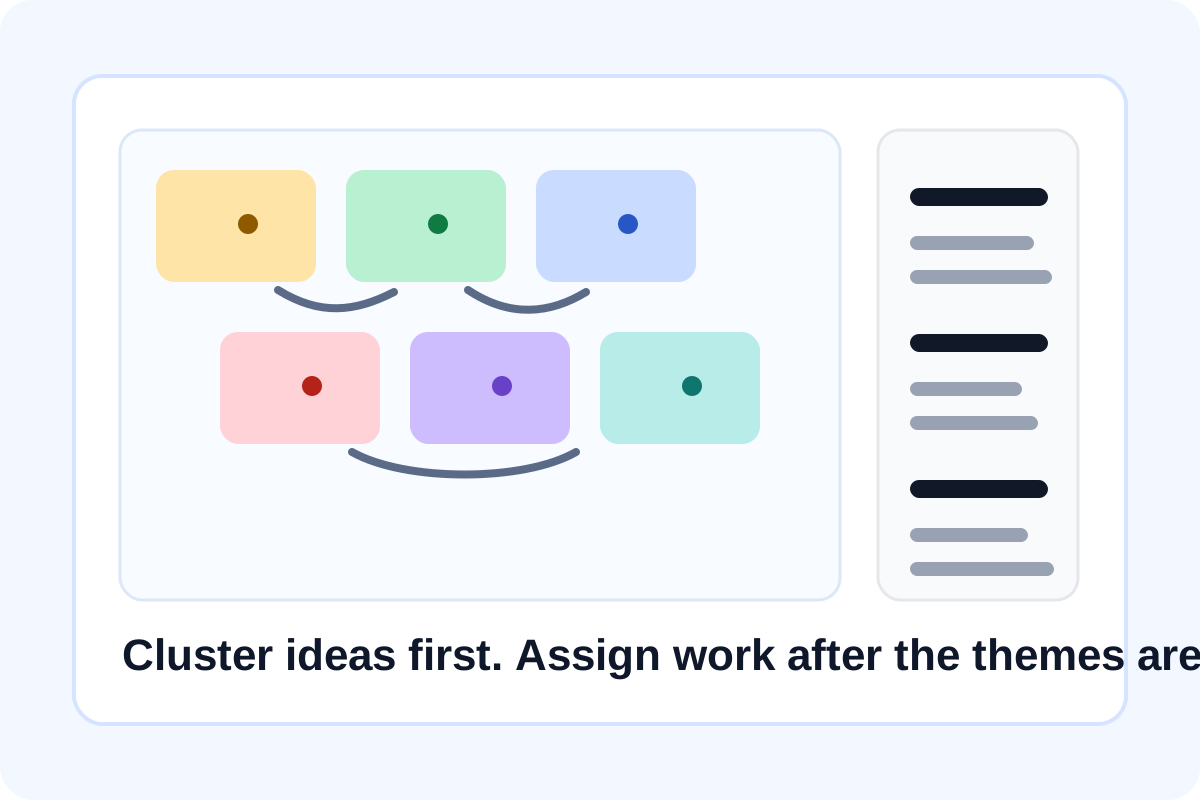
A whiteboard is most useful before the work is formal enough for a document or task board. That early moment is usually messy: ideas overlap, people describe the same problem in different words, and no one is sure which note belongs with which decision. A lightweight online whiteboard helps because it lets the group move quickly without pretending the structure is already finished.
A tutorial for the first 10 minutes of a messy discussion
- Start by dropping one idea, issue, or requirement per note instead of writing long paragraphs.
- Group notes by natural themes such as blockers, open questions, decisions, or next actions.
- Use arrows or quick labels only after two or three clusters become obvious, not before.
- Circle the few notes that should move forward into a task list, checklist, or document after the whiteboard session.
- Copy only the final grouped output into the next system so the whiteboard stays a thinking space rather than a permanent archive.
Why this works better than starting in a formal doc
Formal docs push people toward polished sentences too early. A whiteboard tolerates half-formed ideas, duplicate notes, and visual grouping, which makes it easier to find the real themes before someone spends time rewriting them.
Good use cases
- A kickoff where the team needs to separate goals, risks, and open questions.
- A retro where repeated issues should be grouped before voting or assigning owners.
- A planning session where rough feature ideas need to be sorted before a backlog is written.
- A workshop where sketches, labels, and arrows explain the flow faster than bullet points.
Related UtilFlow moves
Once the clusters are stable, move the action items into Checklist Maker, or turn cleaned notes into a simple handoff table with Table Generator.
FAQ
When is an online whiteboard better than a shared doc?
Use it when the group still needs to cluster ideas visually, sketch relationships, or sort rough notes before anyone commits to a cleaner written structure.
What should I put on each note?
Keep each note to one idea, issue, or action so the grouping step stays flexible.
What should happen after the board is organized?
Move only the clear decisions and action items into the next tool or document, and leave the whiteboard as the exploration layer.