Randomize a List Fairly Before a Class Draw, Giveaway, or Retro
Use List Randomizer as a lightweight tutorial for fairer shuffling when names, prompts, or tasks should not keep appearing in the same order.
Open List Randomizer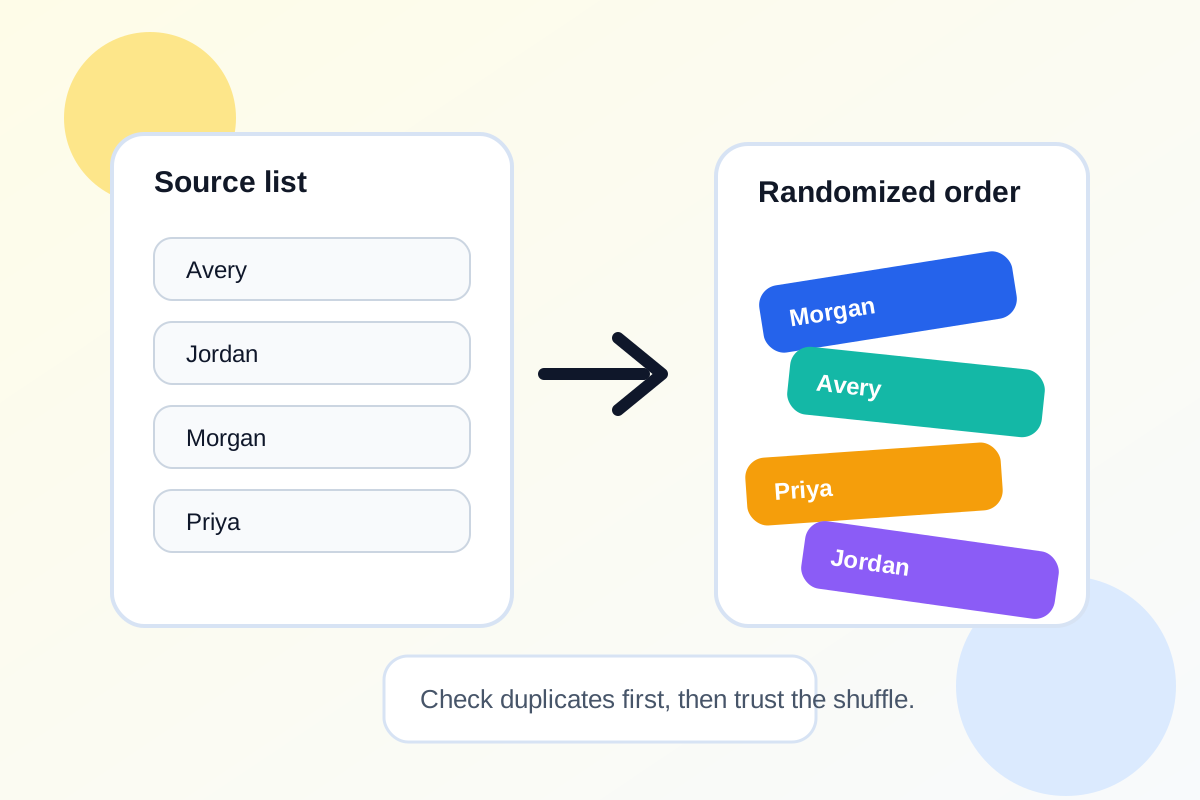
Manually rearranging a list does not feel random when the same names keep surfacing near the top. For classroom draws, giveaway entries, meeting prompts, or retrospective speaking order, people usually want two things at once: quick shuffling and a process that feels fair enough to trust without explaining a complicated method.
A quick tutorial workflow
- Paste one item per line so each participant, prompt, or task has exactly one slot in the input.
- Scan the pasted list once for accidental duplicates or blank lines before randomizing.
- Shuffle the list and use the new order as the speaking queue, draw sequence, or pairing source.
- If you only need one winner or one prompt, use the random pick result rather than reading through the full shuffled list.
- Copy the randomized output into the notes, agenda, classroom slide, or message where the order will be used.
Why the input check matters
Perceived unfairness often comes from the source list, not the shuffle itself. A duplicate name, an empty line, or inconsistent copy from a spreadsheet can make the result look biased even when the randomization step is fine.
Good use cases
- Choosing presentation order in class or training.
- Shuffling brainstorm prompts for a workshop or retro.
- Picking giveaway or raffle entries from a copied list.
- Rotating a backlog of small tasks so the same item does not always stay first.
Related UtilFlow moves
If the source list is messy first, clean it with Text Cleaner or Line Sorter before randomizing. If you need a reusable checklist after the draw, move the selected tasks into Checklist Maker.
FAQ
What is the best way to format the input list?
Use one item per line and remove accidental duplicates first so every name or prompt has one clear chance in the shuffle.
Should I shuffle again if the first result feels suspicious?
Usually only if the source list was wrong. Repeatedly rerunning until the result feels right can make a process seem less fair, not more.
Can this help with meeting facilitation too?
Yes. It works well for speaking order, icebreaker prompts, retrospective turns, or quick task assignment when you want a neutral sequence.