Preview HTML Snippets Before Pasting Them Into a CMS or Internal Doc
Use HTML Preview as a quick safety check before pasting markup into a CMS field, internal knowledge base, or announcement template.
Open HTML Preview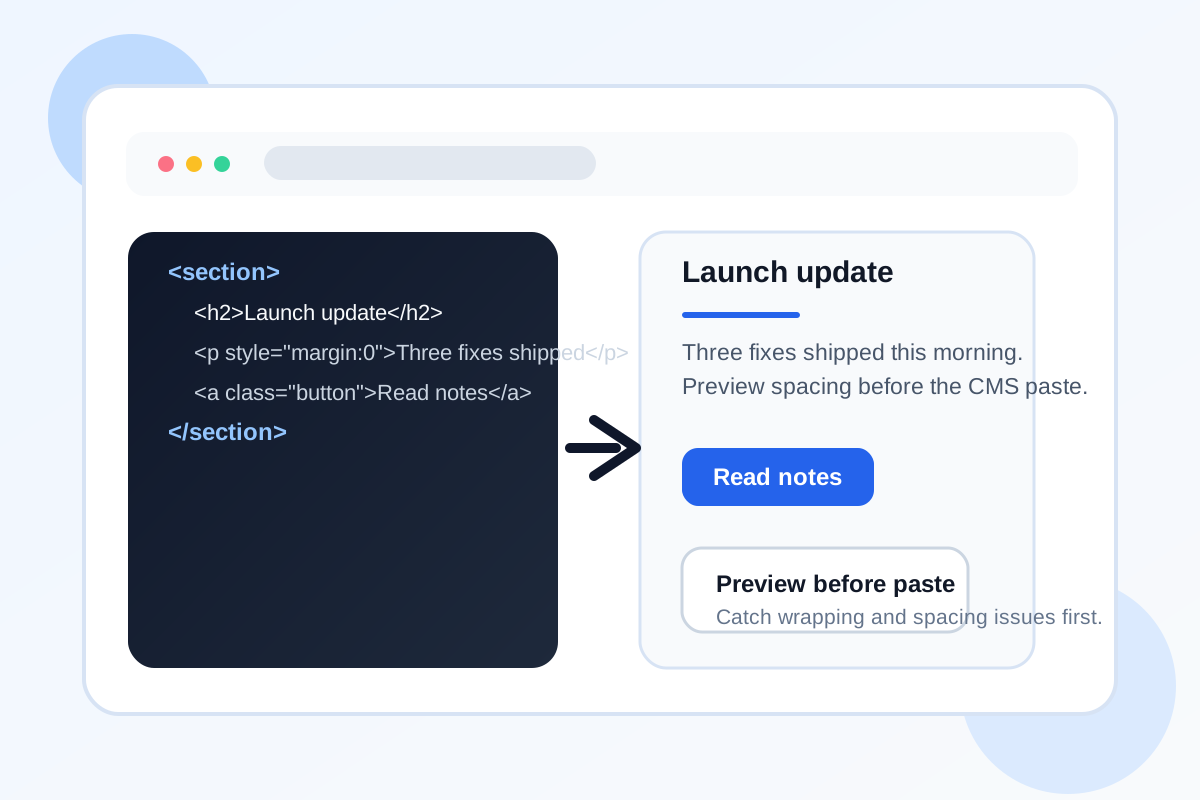
HTML snippets often look fine in raw text right up until they are pasted into a CMS, wiki, help-center template, or announcement builder. A missing closing tag, a broken inline style, or an unexpected spacing issue can turn a quick update into a cleanup task after publishing.
A simple preview-first tutorial
- Paste the snippet exactly as you plan to use it, including inline styles and links.
- Preview the rendered result next to the source so headings, lists, buttons, and spacing are visible before publish time.
- Check whether long lines wrap correctly and whether obvious layout problems appear when a container is narrow.
- Copy the corrected snippet only after the rendered version matches the intent of the content block.
What this catches quickly
- Broken paragraph or list structure after copying from a rich-text editor.
- Inline CSS that overrides spacing in ways that are hard to see in raw markup.
- Button or link labels that wrap awkwardly inside narrow content modules.
- Demo snippets that rely on browser defaults but need clearer structure before they move into production content.
When HTML Preview is enough
If the job is checking a small component, announcement box, email fragment, or documentation embed, a local preview is usually enough. You do not need a full deploy or a design handoff just to see whether the copied markup renders in a sensible way.
Related workflow moves
If the source content starts as Markdown, convert it first with Markdown to HTML. If you need to keep only the readable text after reviewing an export, move from the preview into HTML to Markdown.
FAQ
What kinds of snippets are worth previewing first?
Email fragments, CMS embeds, announcement cards, help-center callouts, and copied HTML sections from another editor are all good candidates.
Does HTML Preview replace full browser testing?
No. It is a fast first-pass check for structure and rendering, not a replacement for full production QA across layouts and clients.
What should I fix before copying the snippet out?
Fix obvious structure errors, spacing issues, wrapped labels, and any inline styles that make the content harder to read than expected.