Move Colors Between HEX, RGB, and HSL Without Losing the Design Intent
Use a practical color-conversion workflow when the same brand or UI color has to move between design notes, CSS, screenshots, and image edits.
Open HEX/RGB/HSL Converter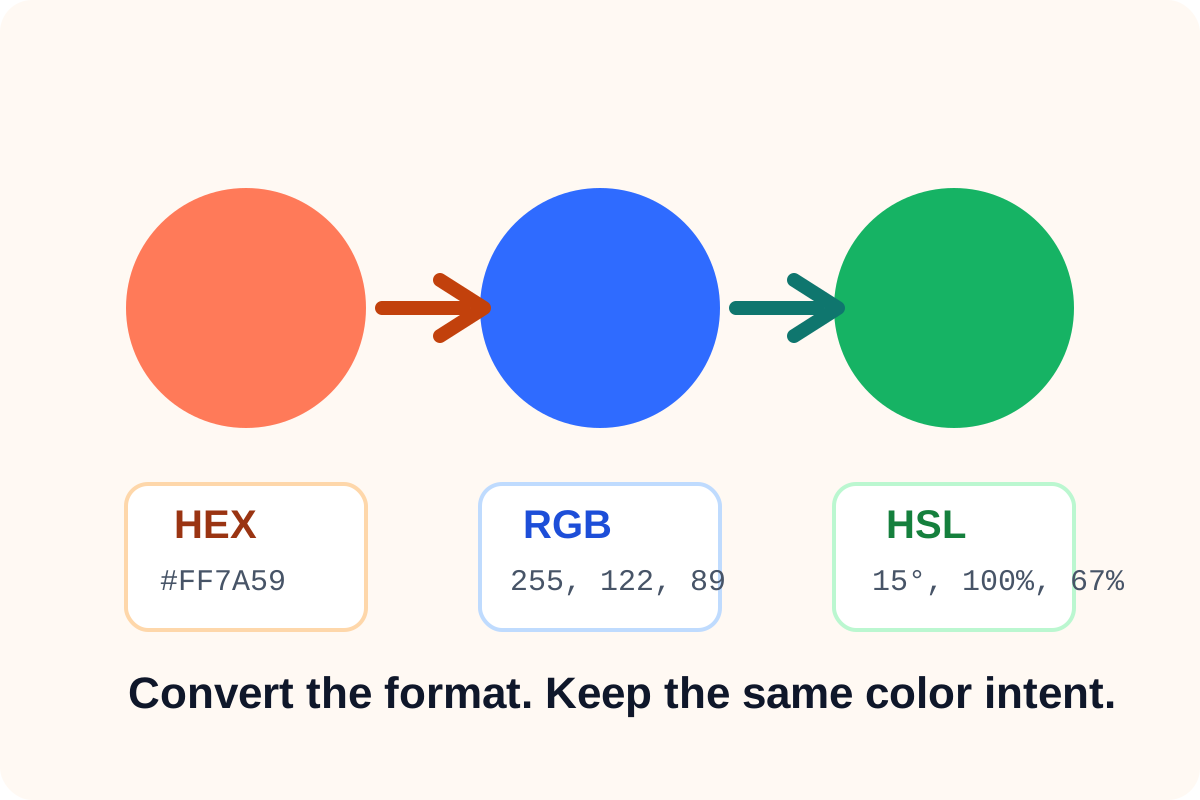
Color conversion sounds mechanical, but the real job is consistency. A brand note may arrive as HEX, an image workflow may want RGB, and a design tweak may make more sense in HSL because hue, saturation, and lightness are easier to reason about. The conversion step matters because it keeps one color moving cleanly between contexts without forcing someone to guess it again.
A practical color-format workflow
- Start with the color value you already trust instead of re-sampling or approximating it.
- Convert into the format required by the next destination: HEX for many style guides and CSS tasks, RGB for image and display contexts, or HSL when you want to reason about hue and lightness changes.
- Check whether the destination expects whole numbers, percentages, or a leading hash before copying the result.
- Keep the original source value nearby so the next teammate knows the color was converted, not re-picked by eye.
Why HSL often helps during adjustment
HSL is useful when the team says things like make it slightly lighter, reduce the intensity, or move the hue toward teal. Those requests are harder to describe directly in HEX. Converting into HSL can turn a vague visual tweak into a more understandable adjustment step.
What to check before copying the output
- Whether the receiving tool expects HEX, RGB, or HSL specifically.
- Whether alpha or opacity needs to be handled somewhere else.
- Whether the copied format preserves punctuation exactly as the next system expects.
- Whether a matching secondary or neutral color also needs conversion for the same handoff.
Related UtilFlow moves
If the source color lives inside a screenshot, sample it first with Image Color Picker. If the result should become a palette rather than one isolated value, continue into Color Palette Generator.
FAQ
When should I use HSL instead of HEX?
Use HSL when you need to reason about hue, saturation, or lightness changes more directly than a HEX code allows.
Why keep the original value after converting it?
It preserves the source of truth and makes it clear the new format is the same color expressed differently, not a fresh guess.
What format is usually best for CSS?
HEX is common for direct CSS copy, but RGB or HSL can be better when another part of the workflow already uses those formats.