Minify JSON Before a Field Limit, Log Copy, or Test Fixture Gets in the Way
Use JSON Minifier when the real problem is not JSON syntax but the friction of moving a valid payload through tight fields, copied logs, fixtures, or inline config values.
Open JSON Minifier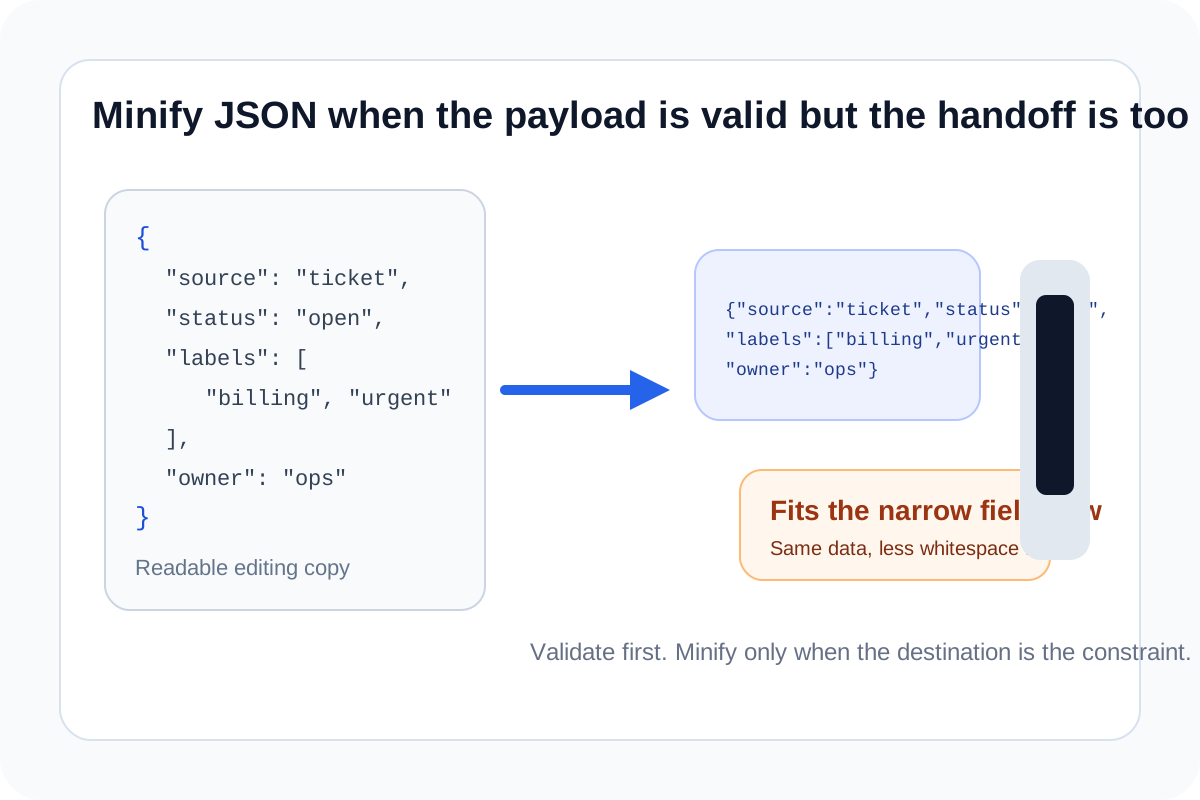
JSON often breaks the workflow before it breaks the parser. The payload is valid, but the field is narrow, the copied log line gets messy, the fixture file becomes noisy, or the value needs to fit inside a place where every extra line break becomes friction.
The practical problem
Most JSON whitespace is useful for people, not machines. That means a readable block can become awkward when it moves into an environment variable, a test fixture stub, a compact config field, a one-line support note, or a request example that should stay visually short. The goal is not to change the data. The goal is to carry the same structure in a tighter shape.
Where minified JSON helps
- Inline test fixtures where long pretty-printed blocks make the surrounding file harder to scan.
- Config surfaces or UI fields where line breaks create paste errors or exceed character expectations.
- Copied payload examples inside tickets or docs when the key point is the values, not the indentation.
- Debugging steps where you need a compact string to compare, store, or move through another tool.
What minifying does not solve
It does not fix invalid syntax, missing required keys, or the wrong data types. If the payload is structurally wrong, minifying it just produces a smaller wrong payload. The useful problem-solving sequence is validate first, then minify once the JSON is already correct.
A safer way to use it
- Keep a readable original while you are still editing the payload.
- Minify the final version only when it needs to move through a tighter surface.
- Paste the compact result into the destination and confirm that the destination still accepts the full string.
- Switch back to a formatter when you need to debug structure again instead of editing the minified line directly.
Related UtilFlow moves
Use JSON Validator when you are not sure the payload parses correctly. Use JSON Formatter when the real job is inspection rather than compression.
FAQ
Does JSON minifying change the meaning of the payload?
No. It removes unnecessary whitespace while keeping the same JSON data structure.
Should I minify JSON before or after validating it?
After. Validation catches syntax issues first, then minifying gives you the compact version of the already-correct payload.
When is minified JSON a bad idea?
It is a bad editing format when you still need to inspect or revise the structure, because one long line is harder for humans to debug.