Minify HTML Before You Paste an Embed Snippet Into a CMS or Email Tool
Use HTML Minifier as a workflow step when copied snippets are valid but too bulky, messy, or fragile for a CMS field, template block, or marketing handoff.
Open HTML Minifier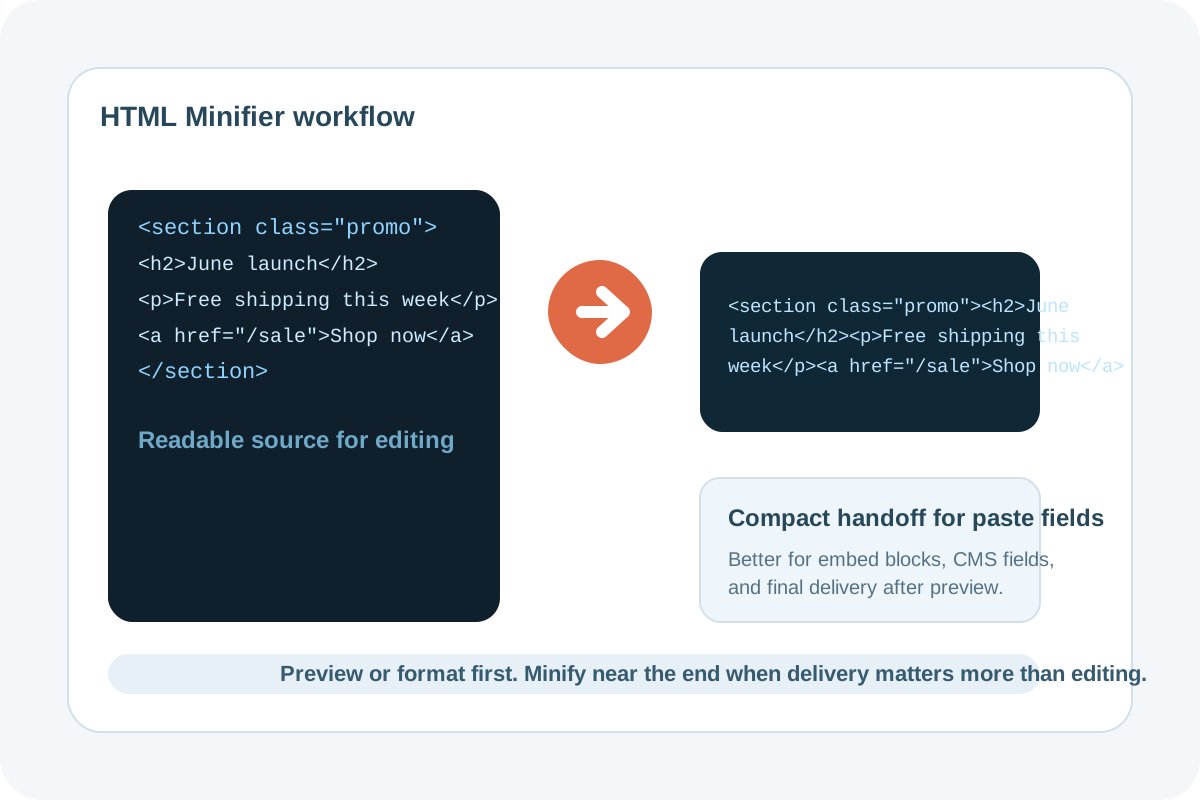
HTML often arrives in a form that is technically valid but awkward to move. A copied widget, landing-page block, or email section may contain wide indentation, comment noise, or formatting that makes a CMS field harder to inspect. Minifying HTML is useful when the next system cares less about human editing and more about getting a compact, clean snippet pasted without surprises.
Where this workflow helps most
- Pasting an embed or promo block into a CMS custom HTML field.
- Handing a small snippet to a marketing or content team that only needs the final block.
- Testing whether a simplified snippet still renders correctly before it goes into an email or landing page tool.
- Reducing copy noise when a config field or template setting should only contain the essential markup.
A safe minify workflow
- Preview or format the HTML first if you still need to inspect it line by line.
- Run HTML Minifier only after the structure is final enough that readability is no longer the priority.
- Paste the minified result into the destination field and test the rendered outcome.
- Keep the readable source version somewhere nearby if the snippet may need future edits.
Why minifying is not the same as fixing broken markup
Minification removes noise and compacts the code. It does not automatically correct missing closing tags, incompatible email markup, or bad script assumptions. The workflow value is operational: it gives you a tighter snippet for the final handoff step after the structure is already trustworthy.
When to stop before minifying
If another person still needs to review the snippet, keep the readable version longer. Minification is best near the end of the workflow, not at the first draft stage.
Related UtilFlow moves
Use HTML Preview first when you need to check the rendered output, or HTML Formatter when the snippet is too messy to debug comfortably before the final minify step.
FAQ
When should I minify HTML instead of formatting it?
Format first when humans still need to inspect or edit the code. Minify when the structure is ready and the next step is a compact paste or handoff.
Does minifying HTML change what the snippet does?
It should keep the same behavior when the markup is already valid, but you should still preview the result in the destination context.
Why keep a readable version after minifying?
Because compact HTML is good for delivery, not for future editing. Keeping the readable source prevents unnecessary reverse work later.