Convert YAML Examples Before Pasting Them Into JSON-Only Fields
Turn copied YAML into JSON before a dashboard, API tester, or config form rejects the structure for using the wrong format.
Open YAML to JSON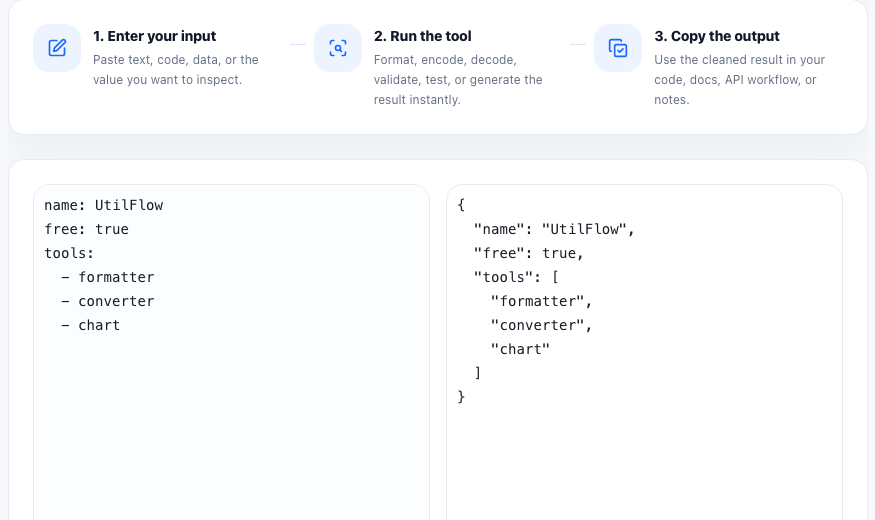
YAML shows up in docs because it is easy for humans to read. JSON shows up in web forms, API tools, and policy editors because it is strict and predictable for machines. The practical problem is that people often copy a YAML example from documentation, then hit a JSON-only field that rejects it immediately.
Where this mismatch happens
- Cloud dashboards that accept JSON policy blocks or request bodies.
- API clients where the sample in docs was shown as YAML but the request editor expects JSON.
- Config or integration forms that validate strict JSON before saving.
- Internal tools and low-code builders that accept object data but not YAML syntax.
A clean conversion workflow
- Paste the YAML example exactly as documented so the structure stays intact.
- Convert it to JSON and scan the result for nested arrays, booleans, numbers, and quoted strings.
- Format the JSON before copying so the object structure is still readable in the next tool.
- Paste the JSON into the destination field and let that system validate business rules separately from format.
- Keep the YAML source nearby if the docs will be updated, but treat the JSON copy as the version for the actual submission step.
Why conversion is more than syntax cleanup
The goal is not only to replace indentation with braces. The real benefit is separating format issues from product issues. Once the payload is valid JSON, any remaining error is more likely to come from missing fields, wrong values, or destination-specific rules instead of from the parser refusing the structure itself.
What to check before you copy
Look closely at booleans, null values, and lists. YAML can feel forgiving when read by humans, but a JSON destination is rigid. A final read of the converted structure prevents subtle mistakes from moving downstream into a harder debugging step.
FAQ
Why does a JSON-only field reject YAML even when the data looks similar?
Because JSON requires braces, brackets, quotes, and strict value syntax, while YAML uses indentation-based structure and different parsing rules.
What should I check after converting YAML to JSON?
Check nesting, arrays, booleans, null values, and whether strings or numbers still look correct for the destination field.
Does converting to JSON prove the config is valid?
No. It proves the structure is valid JSON. The destination system may still reject the values for product-specific reasons.