Clean AI Output Before Broken Bullets, Extra Spaces, or Duplicate Lines Hit the Next Tool
Tidy copied AI output before it lands in a CMS, spreadsheet, prompt, or checklist where small formatting errors become slower to unwind.
Open Text Cleaner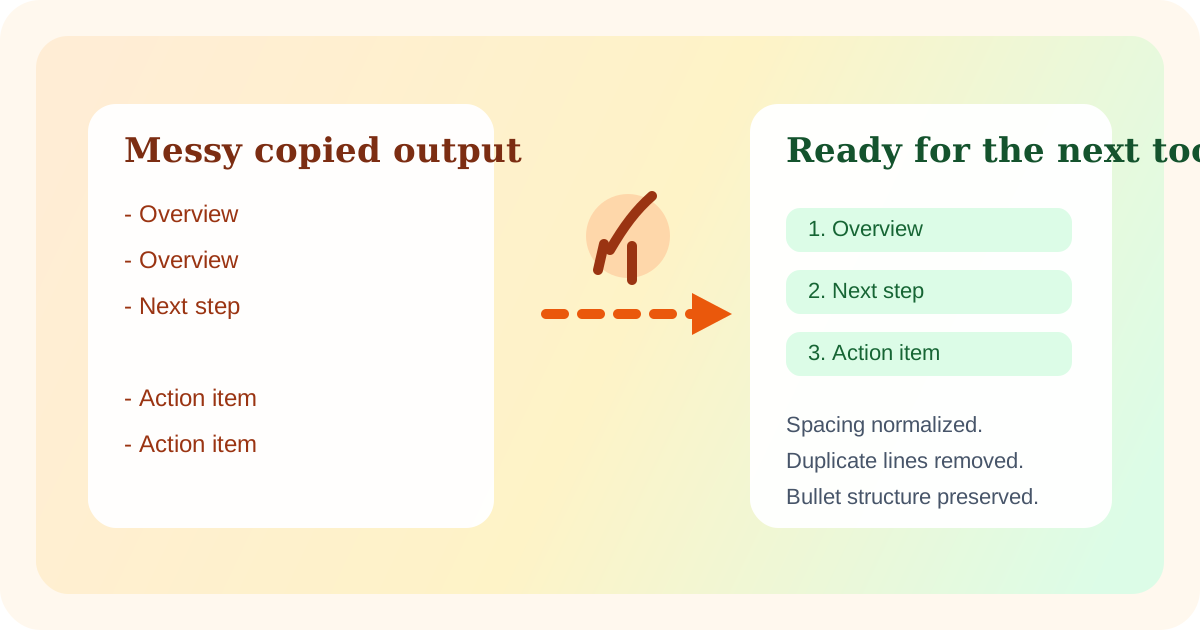
AI output is often useful before it is clean. It may contain repeated bullets, uneven spacing, double line breaks, copied numbering, or a mix of heading and list styles that looked fine in chat but turns ugly the moment it enters a CMS field, spreadsheet column, checklist, or second prompt.
Why the mess gets worse downstream
Once the text is pasted into another tool, the cleanup cost rises. Extra blank lines widen rows, repeated bullets create false duplicates, and mixed formatting makes the next tool seem broken when the real problem was the copied structure. The best time to normalize the text is between generation and reuse.
Where this shows up most
- Turning AI notes into one-value-per-line lists for Sheets or imports.
- Pasting generated FAQ answers into a CMS that expects clean paragraph spacing.
- Reusing part of an AI answer inside a second prompt where duplicated bullets create noise.
- Cleaning a generated checklist before it becomes a task template or markdown list.
A safer cleanup pass
- Paste the raw output and decide whether the main problem is repeated spaces, blank lines, duplicate rows, or line order.
- Collapse spacing first so you can see the real list structure.
- Remove duplicate lines only after checking whether repetition was intentional emphasis or an actual copy artifact.
- Copy the cleaned version into the next tool only after the structure matches how that destination expects the content to behave.
What to keep instead of over-cleaning
Do not flatten meaning just to make the text neat. If the answer needs paragraph breaks, keep them. If ordered steps matter, preserve that order. The goal is structural cleanup, not deleting the cues that make the content understandable.
Related UtilFlow moves
Continue into Checklist Maker when the cleaned output should become tasks, Table Generator when it should become a small grid, or Word Counter when the next question is whether the answer now fits a field or summary limit.
FAQ
Why clean AI output before pasting it into another tool?
Because spacing, duplicate lines, and broken bullets are easier to fix once in plain text than after they have been mixed into rows, fields, or formatted content.
Should I remove duplicate lines from AI text automatically?
Only after checking whether the repetition was intentional. Some repeated lines are emphasis, while others are accidental regeneration artifacts.
What usually breaks first when AI text is pasted raw?
Bullet structure, blank-line spacing, and one-value-per-line imports are common failure points.