Check Link Previews Before You Publish With a Meta Tag Generator
Use a meta tag generator as a publishing checkpoint so the page title, description, and Open Graph fields make sense before the URL is shared in chat, social, docs, or search results.
Open Meta Tag Generator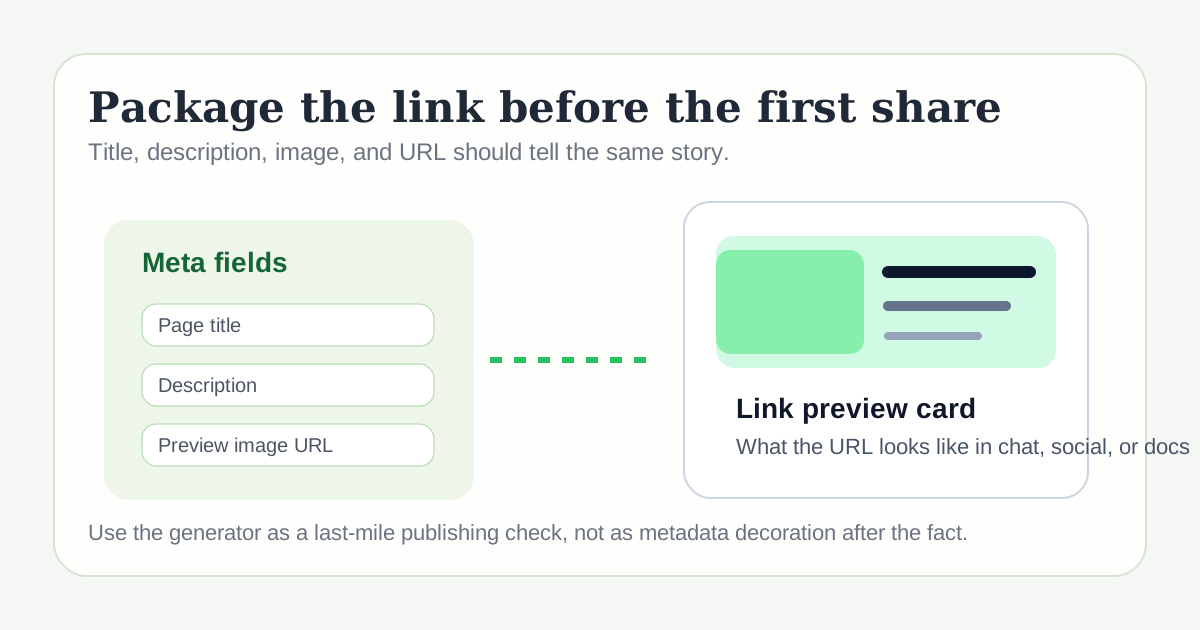
A page can be technically live and still be poorly packaged for the first share. If the title truncates, the description says nothing useful, or the image feels generic, the URL creates friction before anyone even reaches the content. A meta tag generator is useful because it turns those fields into a deliberate publishing checklist instead of an afterthought.
What to set before you share the link
- Write a title that identifies the page clearly without wasting the first words.
- Use a description that explains the page outcome, not just the topic label.
- Check that the canonical URL and preview image point to the page you actually mean to share.
- Keep the Open Graph and Twitter-style fields aligned so the preview stays coherent across destinations.
A practical pre-publish workflow
- Draft the page title and description after the page content is mostly stable.
- Generate the meta fields and inspect them together so the message feels consistent.
- Compare the preview text with the destination context, such as search, Slack, LinkedIn, docs, or an internal changelog.
- Publish only after the preview card communicates the page outcome without needing extra explanation in the message around it.
Why this matters beyond SEO
Metadata is also packaging for handoffs. Colleagues paste links into chat, support teams share docs in tickets, and marketers reuse landing pages across channels. Clear preview data reduces the chance that every share needs manual explanation to make the page understandable.
What to check after the first live share
If the title feels vague, the image mismatches the page, or the description sounds generic once it appears in context, revise the tags before the page gets reused in more places. The first share is often the fastest quality check.
Related UtilFlow moves
Pair this with Slug Generator when the URL itself needs cleanup, or use Image Resizer beforehand if the preview image must be repackaged for a clearer social card.
FAQ
When should I use a meta tag generator in a publishing workflow?
Use it near the end of drafting, when the page message is stable enough to turn into final preview metadata.
Are meta tags only for search engines?
No. They also shape how a link looks when it is shared in chat, social feeds, docs, and internal tools.
What usually makes a bad preview card?
Vague titles, generic descriptions, mismatched images, or metadata copied from another page without being adapted to the new one.