Check a Rough Transcript or Draft Length Before a Prompt, Brief, or Application Field Cuts It Off
Use a word counter to see whether copied text will fit before a prompt box, essay field, summary form, or brief review turns into a hidden trimming problem.
Open Word Counter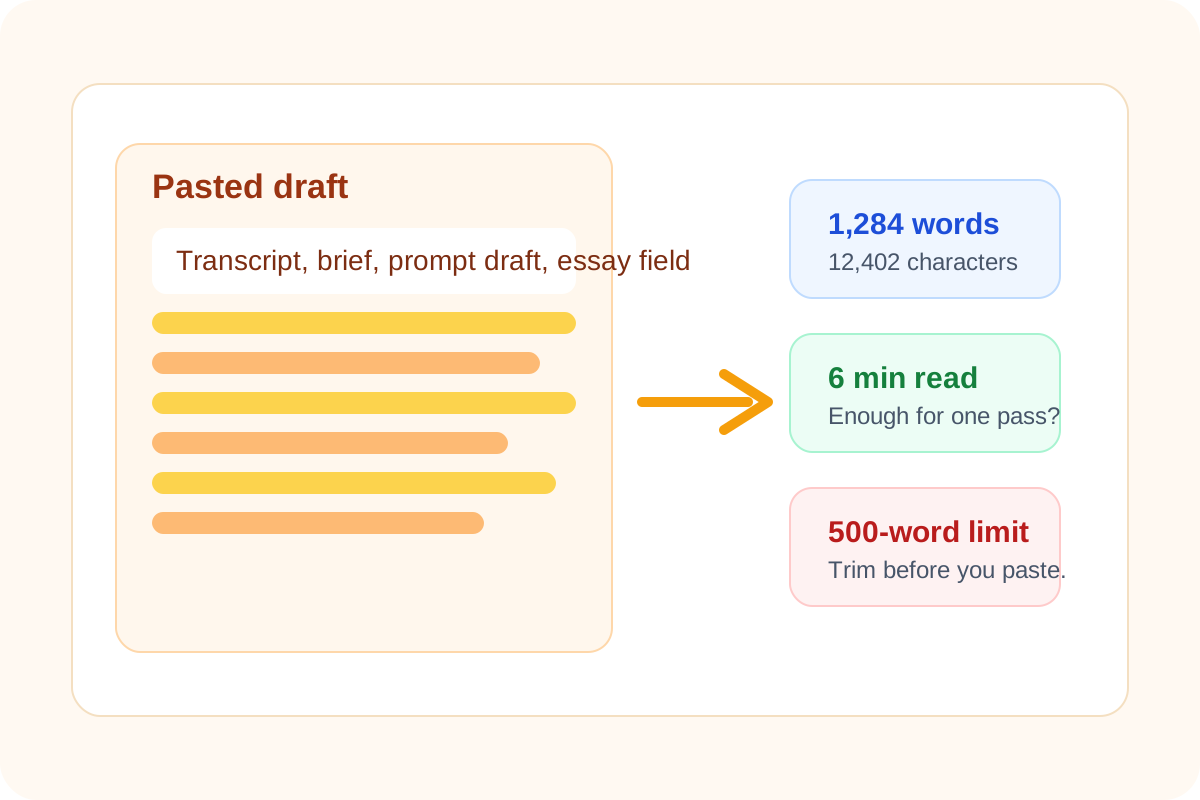
A copied block of text often fails quietly. The prompt box accepts the paste but the useful part is buried. The application field trims the ending. The brief becomes longer than anyone will read in one pass. The problem is rarely the act of counting words by itself. The problem is not knowing the shape of the text before it enters a tighter surface.
Where this length problem shows up
- Meeting transcripts and voice notes that need to be shortened before they become prompts or summaries.
- Application essays and profile fields that enforce a word or character ceiling.
- Briefs, updates, and internal notes that are technically acceptable but too long for the audience that must act on them quickly.
- Copied PDF text that carries line breaks and extra noise, making the draft look shorter or cleaner than it really is.
What to check before you paste
- Check word count when the destination gives a soft or hard writing limit.
- Check character count when the interface is stricter about total length than about meaning.
- Check reading time when the real question is whether someone can absorb the draft in one pass.
- Check sentence and paragraph shape when the text came from a transcript or a copied PDF and still needs cleanup.
Why counting first saves rewriting time
When the numbers are visible early, you know whether the draft needs trimming, summarizing, or just minor cleanup. That is faster than pasting first, discovering the limit at the end, and then trying to guess what to remove under pressure.
Treat rough text as a measurable input
A rough transcript can become a clean brief, a prompt, or an application answer, but only after you know its size. Word count and reading-time checks turn that vague mass of text into something you can edit deliberately instead of emotionally hacking at the last paragraph when the field starts rejecting input.
Related UtilFlow moves
Use Text Cleaner first when the source includes broken line breaks, duplicate lines, or extra spaces from copied notes or PDF text. If the final goal is markdown documentation, move into Markdown Editor after the length is under control.
FAQ
Why check word count before pasting into a prompt or form?
Because it tells you early whether the text needs trimming, summarizing, or cleanup before the destination imposes its own limit.
When does character count matter more than word count?
Character count matters more when the destination has a strict field limit, such as a profile box, form input, or compact summary area.
What should I do if the text is under the limit but still feels too long?
Check the reading time and paragraph structure, because the real issue may be audience attention rather than a hard field limit.