Check a PDF's Real Page Count Before You Upload or Print
Confirm how long a PDF really is before you promise a print cost, hit an upload limit, or reference the wrong page in a handoff.
Open PDF Page Counter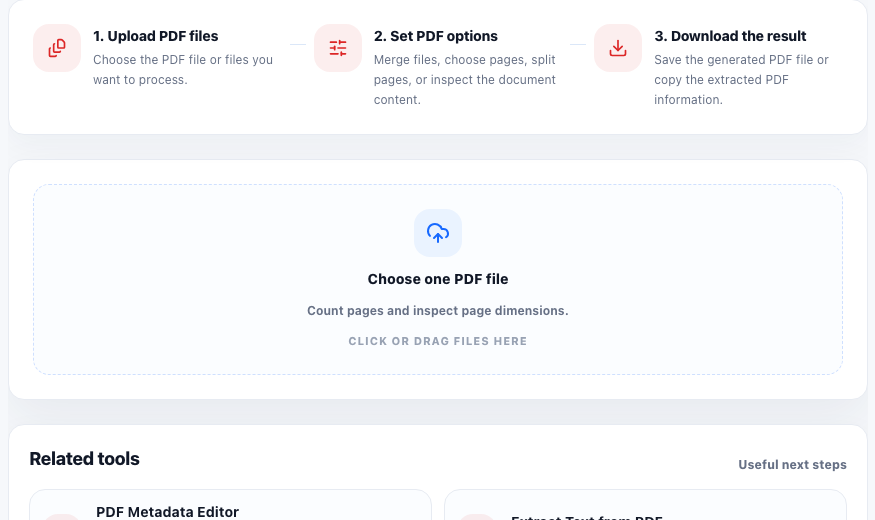
A surprising number of PDF problems begin with a wrong assumption about document length. Someone thinks the file is 12 pages because the source report was 12 pages, but the merged export is actually 19. Someone quotes a print job before checking whether the packet includes foldout pages or appended scans. Someone references 'page 6' in a review note, but the recipient sees a different page count after another tool changed the document.
Why page count becomes a practical problem
Page count affects upload limits, print cost, review instructions, and every later page-selection step. If the count is wrong at the start, the rest of the PDF workflow gets sloppy fast because page ranges, page numbers, and file expectations stop matching the actual document.
A fast verification workflow
- Open the PDF and confirm the total page count before quoting, uploading, or telling someone which pages matter.
- Inspect page dimensions as well when the packet may mix scan sizes, slide exports, or print layouts.
- Use the confirmed count to decide whether you need to split, extract, compress, or simply send the file as is.
- Reference exact page numbers from the counted file when writing a review note or instructions.
- Re-check the page count after any page-removal, merge, or extraction step so downstream instructions stay accurate.
Why dimensions matter alongside page count
A PDF with the right number of pages can still fail a print or upload workflow if some pages are an unexpected size. Mixed dimensions often signal that scans, screenshots, and exported pages came from different sources. Catching that early saves time before anyone tries to fix the wrong problem.
The low-effort check that prevents rework
Counting pages feels trivial, which is exactly why teams skip it. But it is one of the cheapest PDF checks you can do before more invasive edits. Knowing the real page count turns vague assumptions into a clean starting point for every later PDF action.
FAQ
Why check page count before splitting or extracting pages?
Because every later page range depends on the real document length. A wrong count leads to wrong instructions and unnecessary rework.
Can page dimensions matter even if the page count is correct?
Yes. Mixed page sizes can still create print, layout, or upload issues even when the total number of pages is fine.
When should I re-check page count?
Re-check after merging, deleting, splitting, or extracting pages so your final instructions match the output file instead of the original source.