Check a HEX, RGB, or HSL Value Before a Token, Chart, or UI Handoff Drifts
Use Color Picker as a quick tutorial for verifying one color value across CSS, charts, design notes, and theme handoffs before the visible result drifts from the intended tone.
Open Color Picker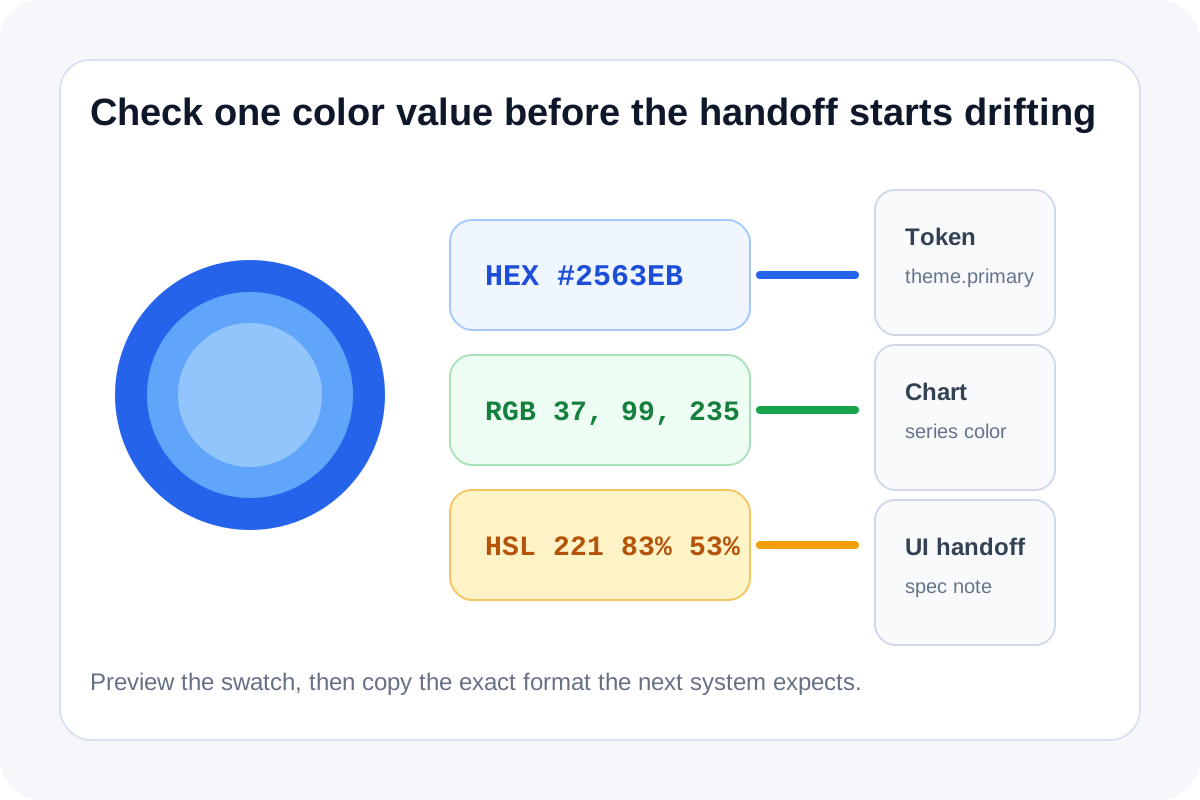
Color drift usually starts with a small copy mistake. One teammate shares HEX, another system expects RGB, a chart config uses a slightly different accent, or a theme note loses the exact value while people describe the color in words instead of numbers.
A quick tutorial for safer handoff
- Start with the exact color you trust most, whether that is HEX, RGB, or HSL.
- Preview the swatch visually so you are not relying on numbers alone.
- Copy the matching output format required by the next destination instead of converting it mentally.
- Double-check the value again after pasting it into CSS, a chart config, or a note where formatting may remove punctuation or spacing.
- Keep the converted set together when a designer, analyst, and developer are likely to reference different formats.
Where this prevents small but expensive errors
- Design token handoffs where one accent color quietly changes between notes and implementation.
- Chart palettes where one series color no longer matches the brand system.
- Quick CSS edits where a pasted RGB or HSL value loses commas, parentheses, or percentage signs.
- Content or documentation updates where someone needs the exact number rather than a rough description.
Why a visual preview matters
Color values can look mechanically correct while still representing the wrong shade. A preview confirms that the copied number still matches the intended color before it moves into code, slides, dashboards, or reusable theme variables.
Use one source of truth per handoff
If multiple teams are touching the same asset, keep one trusted color reference and convert from that source as needed. That is more reliable than manually retyping values in each format from memory or from a screenshot of the last implementation.
Related UtilFlow moves
If the source color only exists inside an uploaded image, switch to Image Color Picker. If you need a broader palette rather than one exact value, continue into Color Palette after locking the anchor color.
FAQ
When should I use HEX instead of RGB or HSL?
Use the format the destination expects. HEX is common for tokens and CSS snippets, while RGB or HSL can be easier for some chart or design adjustments.
Why not just convert the numbers mentally?
Because tiny punctuation or percentage mistakes are easy to miss and can change the visible color more than expected.
What is the fastest way to avoid color drift in a handoff?
Preview one trusted color, convert it into the required format, and copy the exact value directly into the next tool or document.